PageTend · Features
Every feature here comes free with your website.
Event calendars, sign-up forms, RSVPs, charts and everything else on this page are included with any PageTend website, at no extra cost. Open one to see it working on a real page.
How we build them
Beautiful isn't the goal. It's the starting point.
Every feature is beautifully designed, taking on your colors and fonts so it looks made for your business. It is easy to use, with plain words and big buttons, so visitors know what to do on any phone. And it is built to work: tested on real pages before it reaches yours, quick to load, readable by Google, and kept up to date by us.
- Events
Custom calendar events
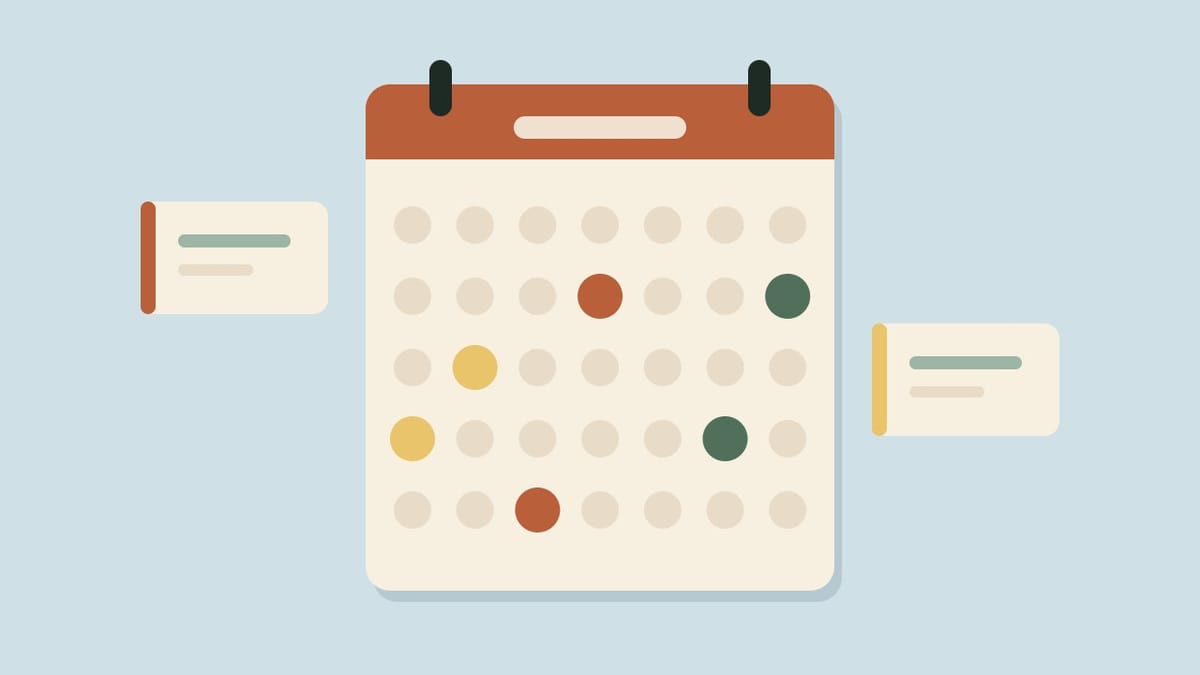
See the calendarYour events kept with us: each gets a picture, a page of its own, filters, repeats and a button that puts it on your visitors' phones. You send the details, we add them.
- Sign-ups
Custom forms
Try the sample formVolunteer sign-ups, vendor applications and memberships with your own questions, on any page, and every answer in one list you can search and download.
- Reports
Charts
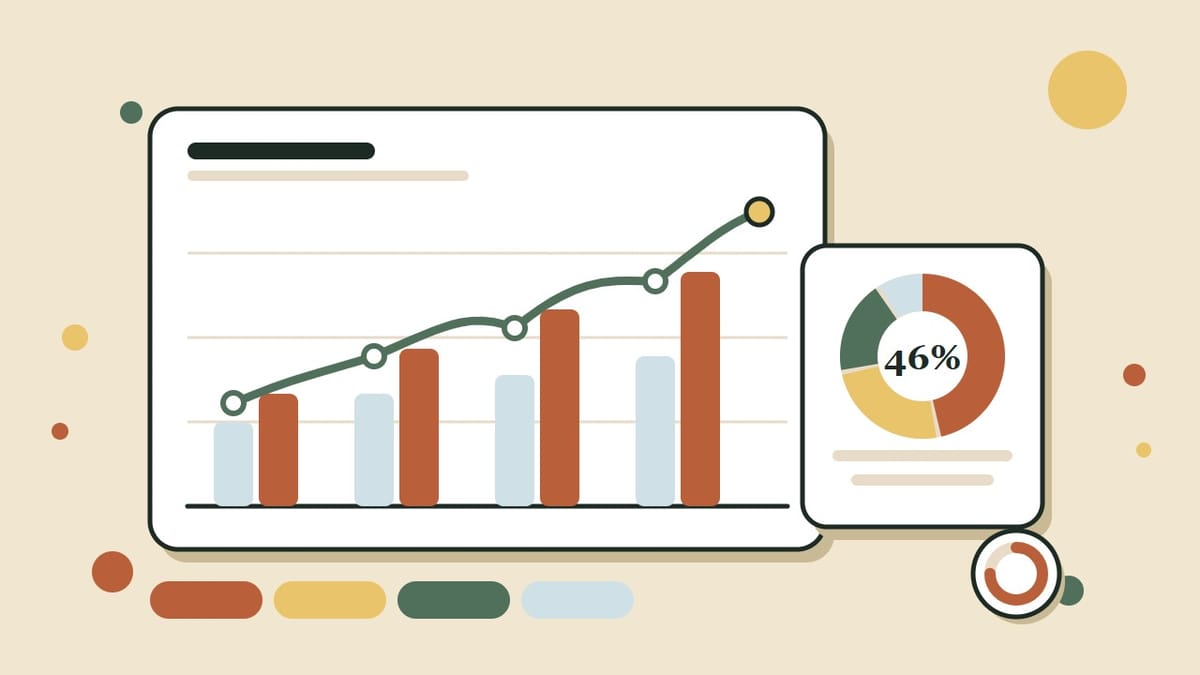
See the chartsLine and area charts, bars, donuts and progress rings that show your numbers at a glance, in your own colors, loading with the page and readable on a phone.
- Layouts
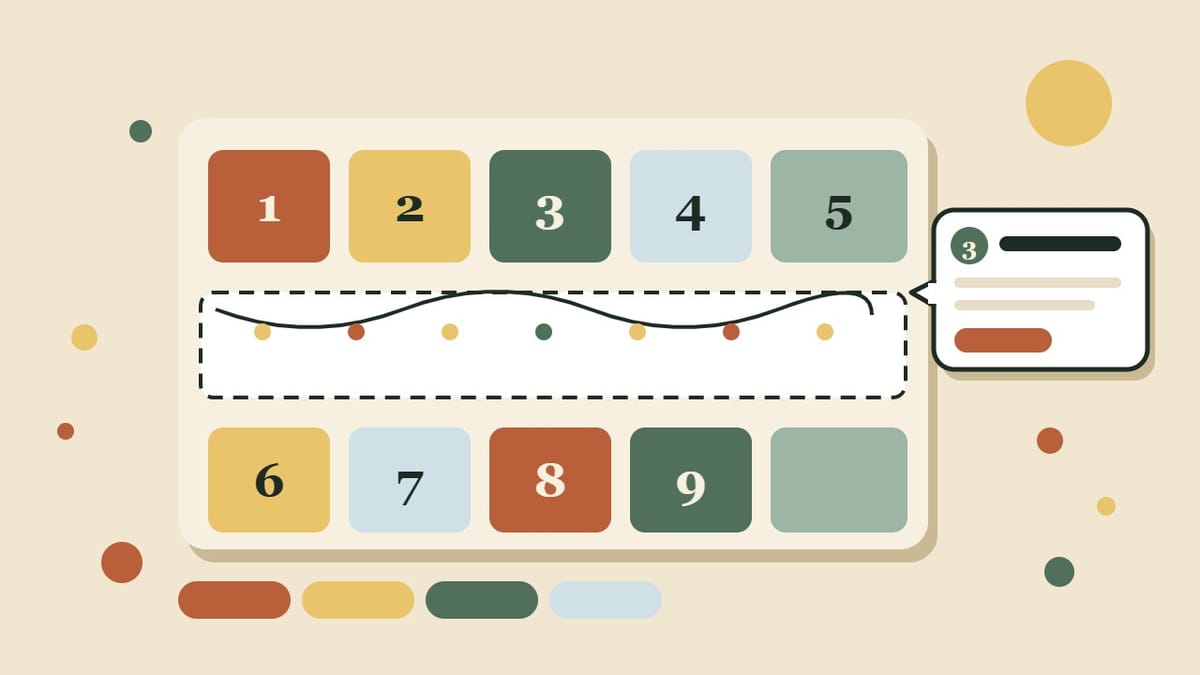
Bento grids
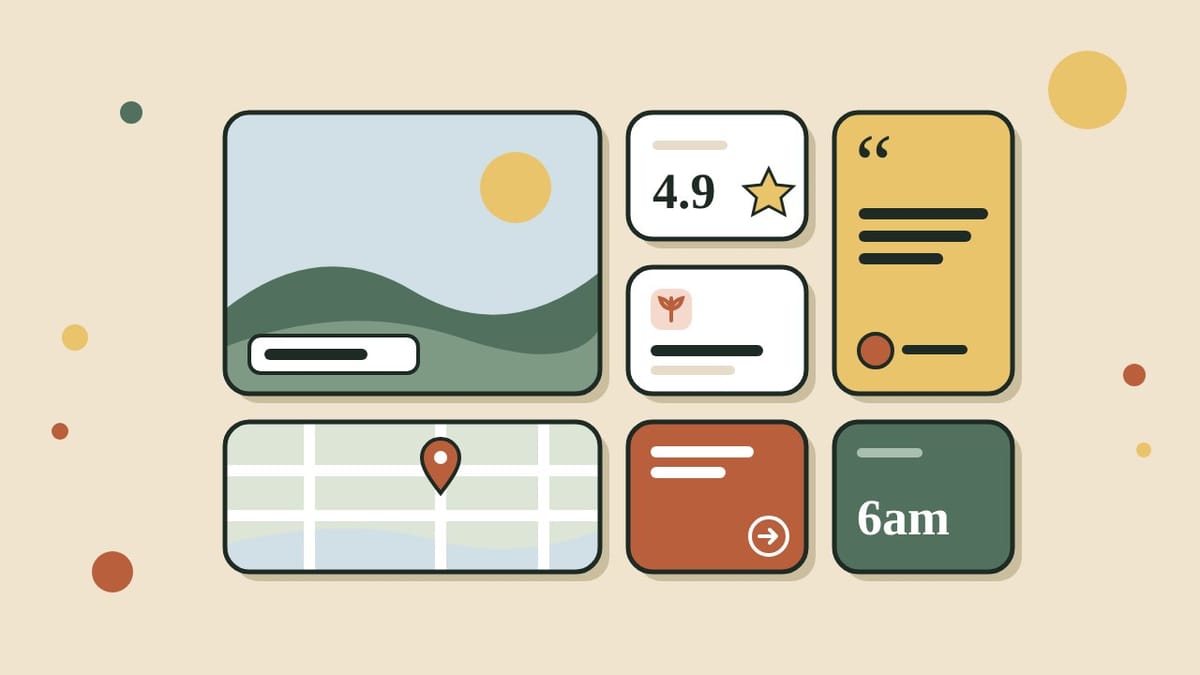
See the bento gridsYour photos, numbers, reviews and links as one tidy mosaic of tiles. Three layouts that keep their shape on a phone.
- Diagrams
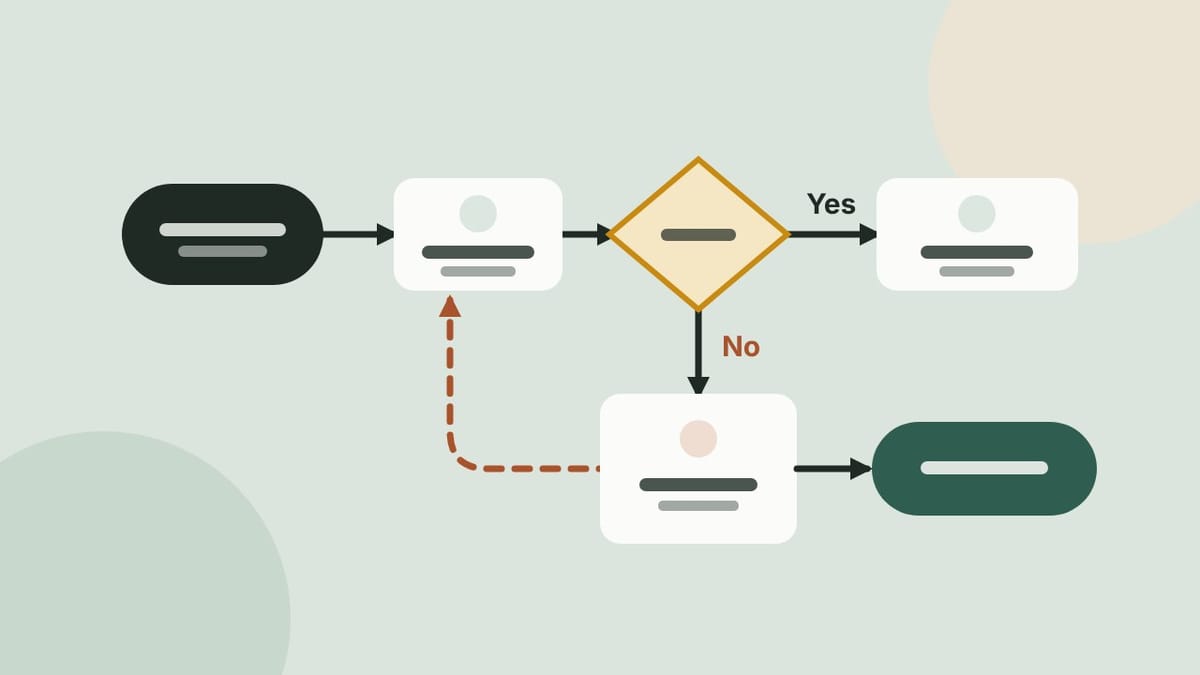
Flowcharts
See the flowchartsShow how you work as a picture: steps, decisions and the loops back when the answer is no. Four looks, from tidy cards to a metro line to swimlanes.
- Events
RSVPs
RSVP to a sample eventKnow who is coming before the day: a head-count on every sign-up, a live going count, a confirmation email with the details, and a form that closes itself when the event is full.
- Your story
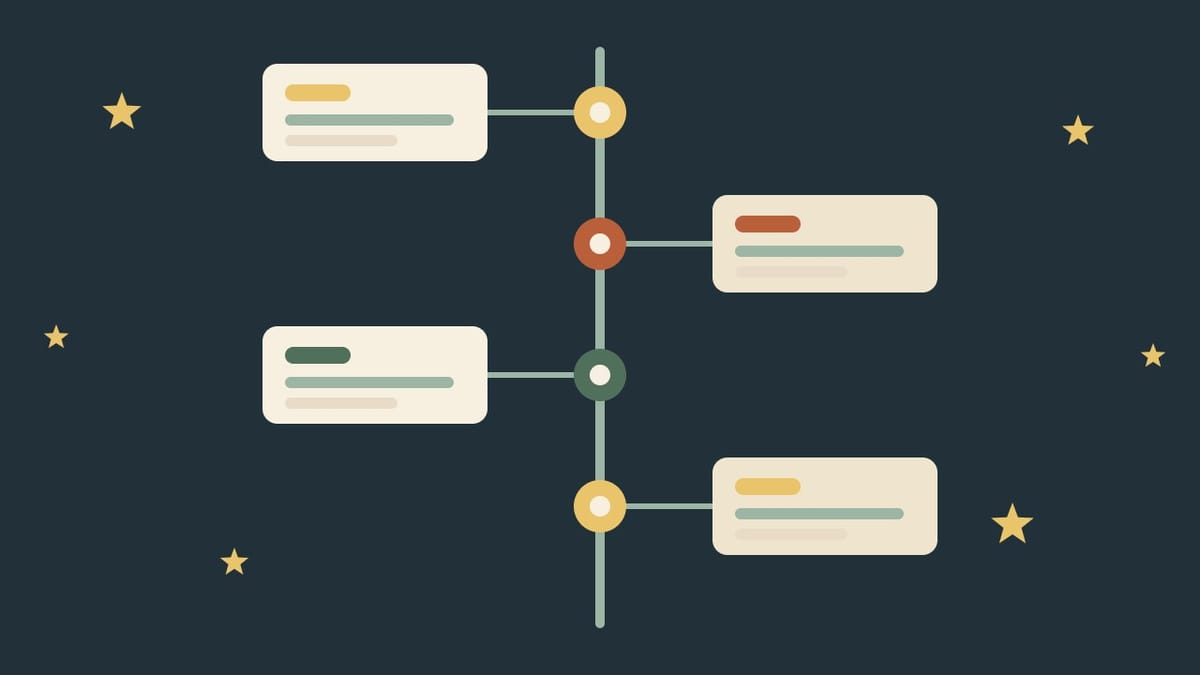
Milestones
See the three looksYour history, year by year: a zigzag rail, a ledger of years, or a track of cards, each with an icon for the moment. Three looks for the same story.
- Documents
PDF viewer
See how it worksMenus, price lists, catalogs and reports, read right on your page. A list of pages, zoom and full screen, and nothing opens in another tab.
- Events
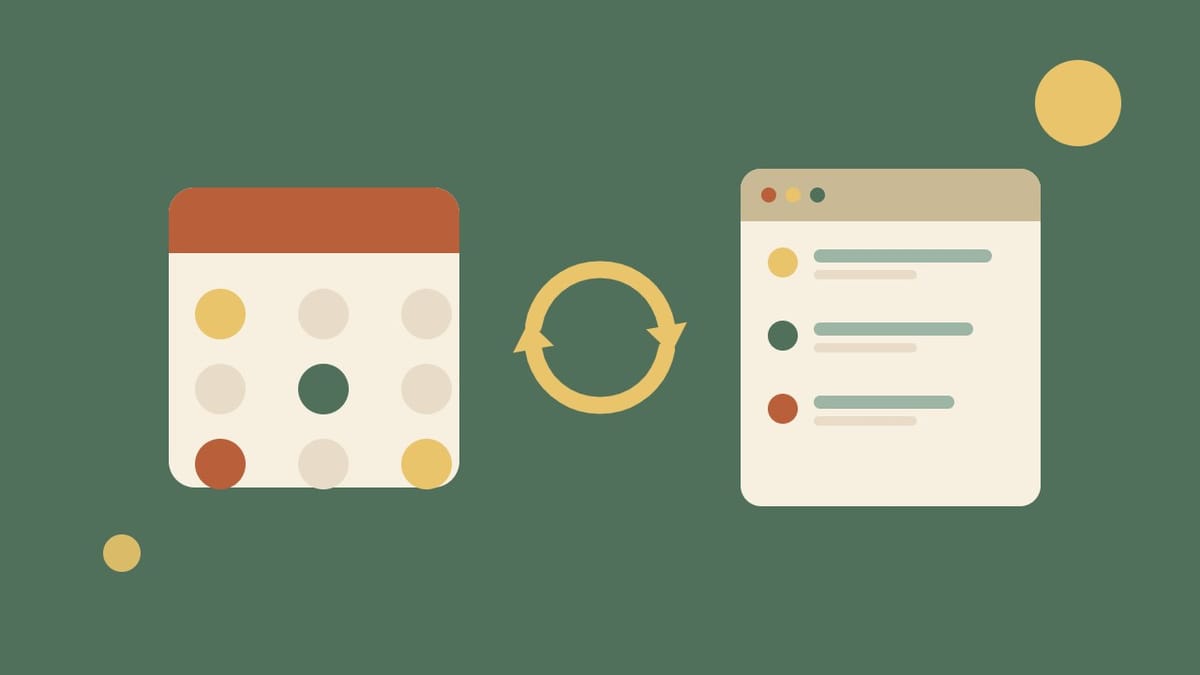
Google calendar sync
See how it worksKeep your events in Google Calendar and your website updates itself every couple of hours: no typing, no forgetting, and a button for visitors to follow along.
- Languages
Multilingual
See it switchOne site in English, Chinese and Spanish: a language switch in the header, a page and address for each, and the dates, buttons and forms that follow. Watch it switch.
- Events
Floor map
Try the mapYour fair, market or expo on one plan: tap a booth to see who is there, or switch to a list you can search. The same details, shown two ways.
- Reviews
Testimonials
See the testimonialsWhat your customers say, in three looks: one big spotlight quote, cards that lead with the result, or praise set as text messages. Photos optional.
- Layout
Tabs
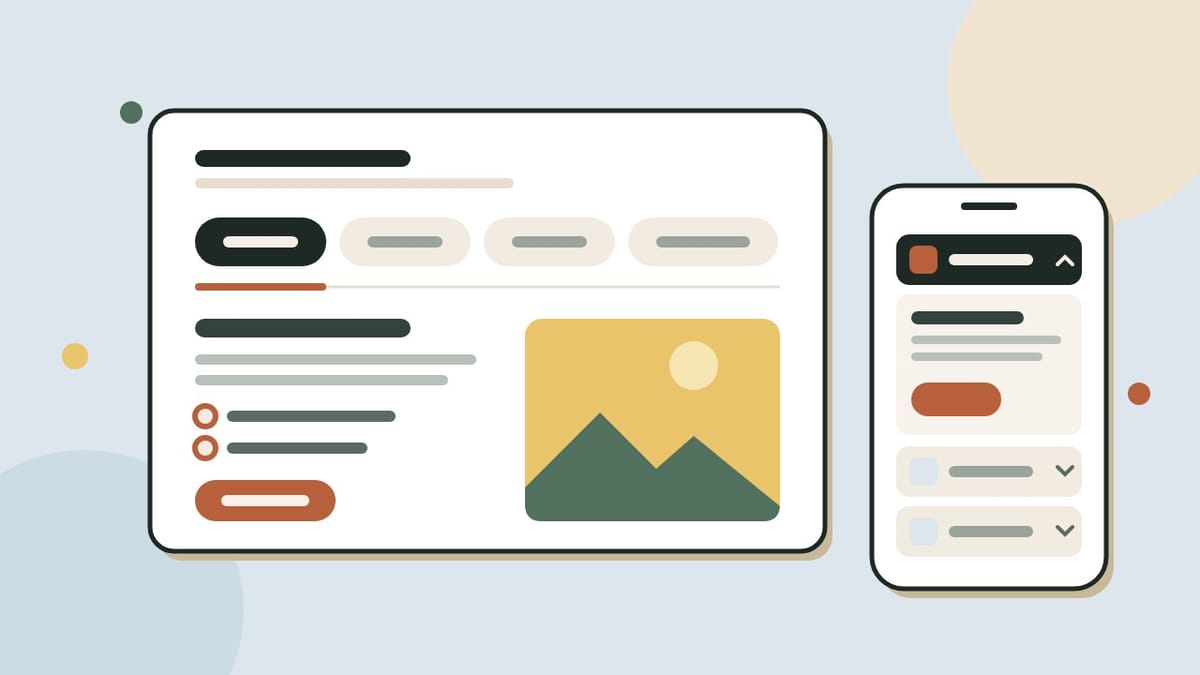
See the tabsOne section, several answers: services, menus or audiences a visitor switches between. Four looks, from quiet underline tabs to cards that turn into an accordion on a phone.
- Sales
Comparison tables
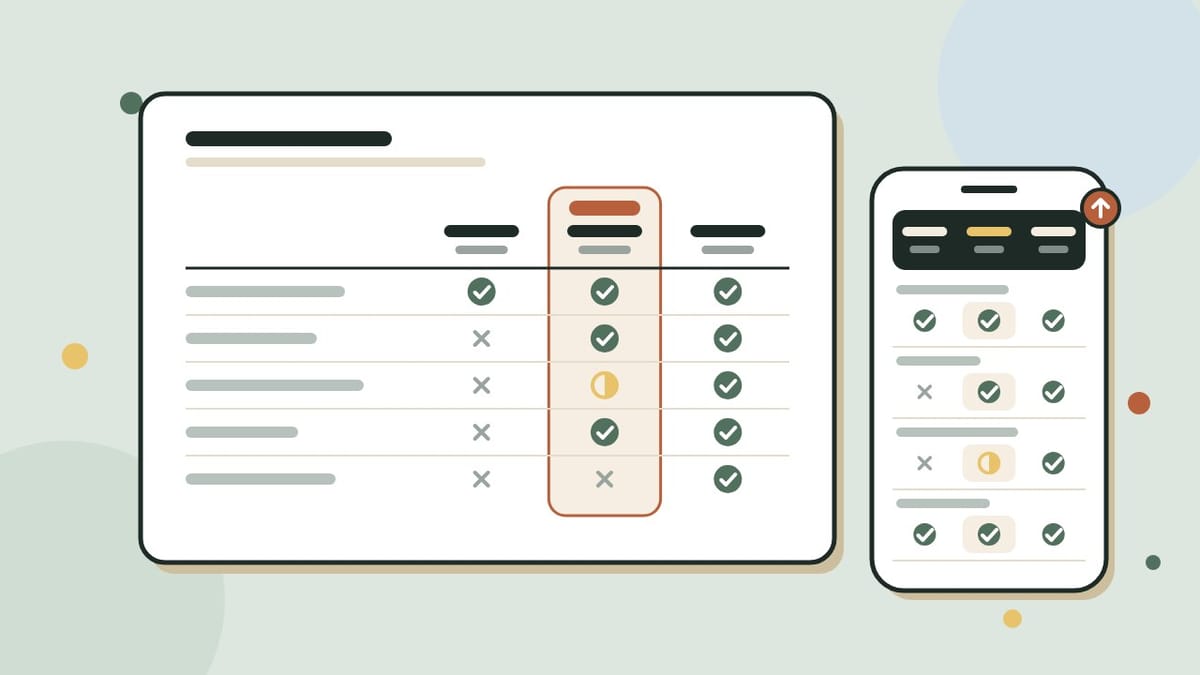
See the tablesYour packages, or you against the usual choice, side by side with ticks. The names stay in view as visitors scroll, and nothing scrolls sideways on a phone.
- Sales
Instant estimate
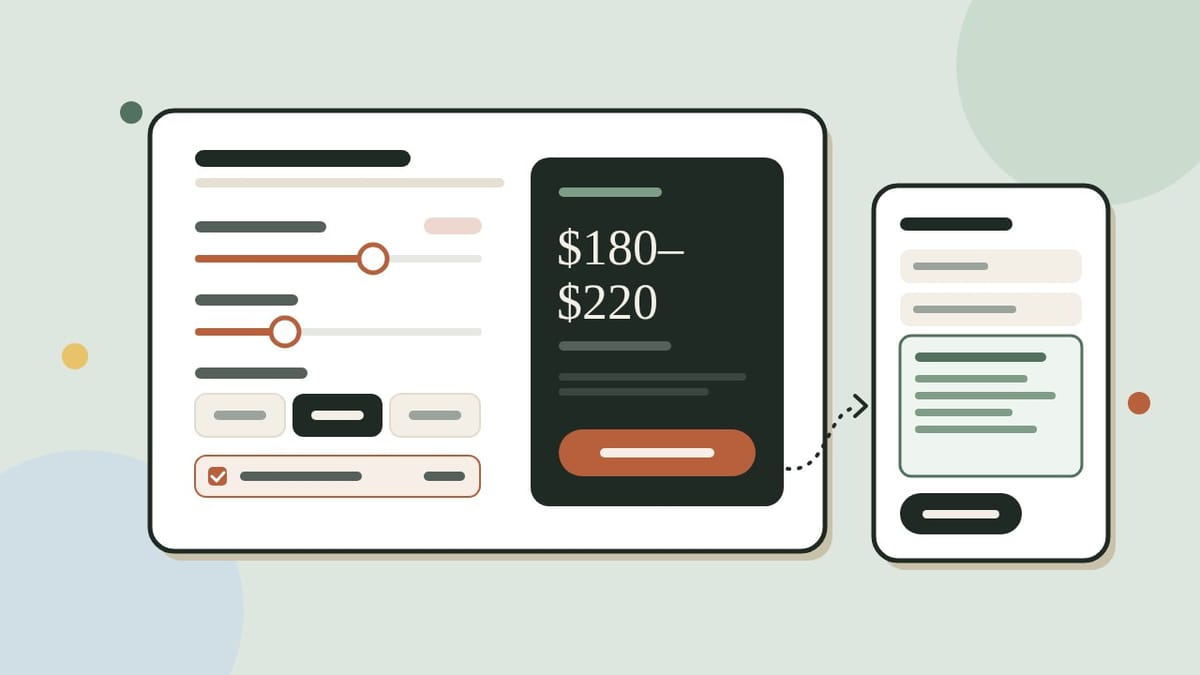
Try the calculatorsVisitors move a few sliders, see a price range on the spot and send it to you in a form that is already filled in. For cleaners, movers, painters and contractors.
- Motion
Video hero
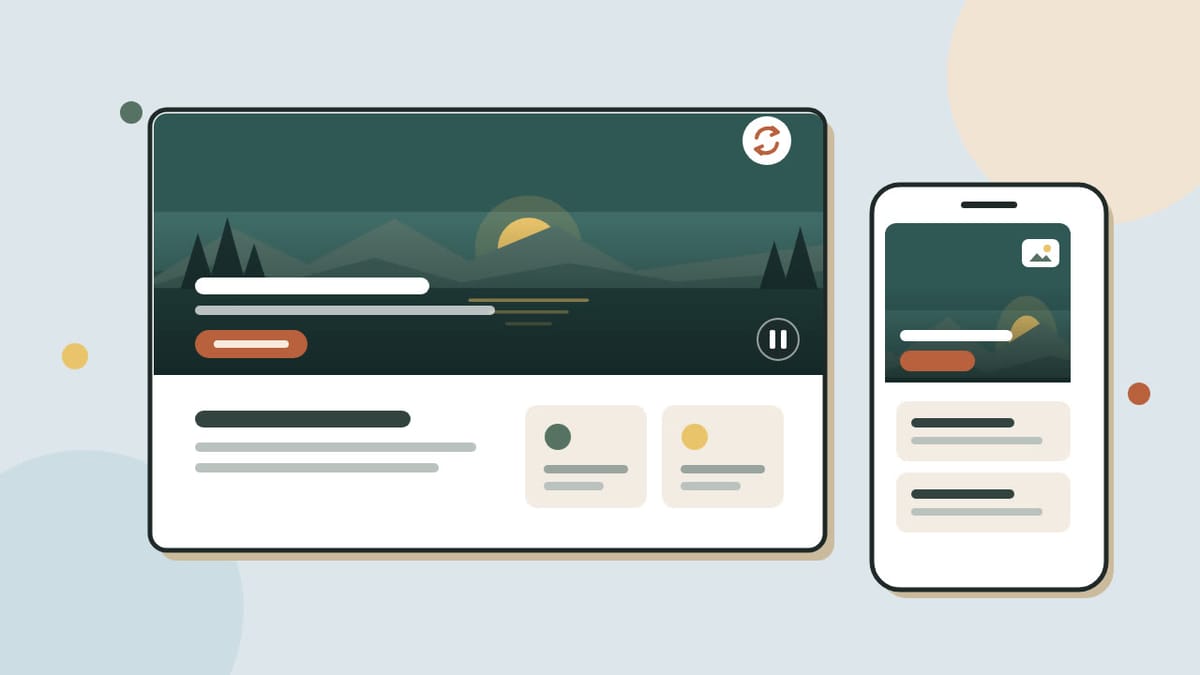
See the video heroA slow, silent loop behind your headline that makes the first look feel alive, with a still photo on phones and for anyone who prefers less motion.
- Photos
Image gallery
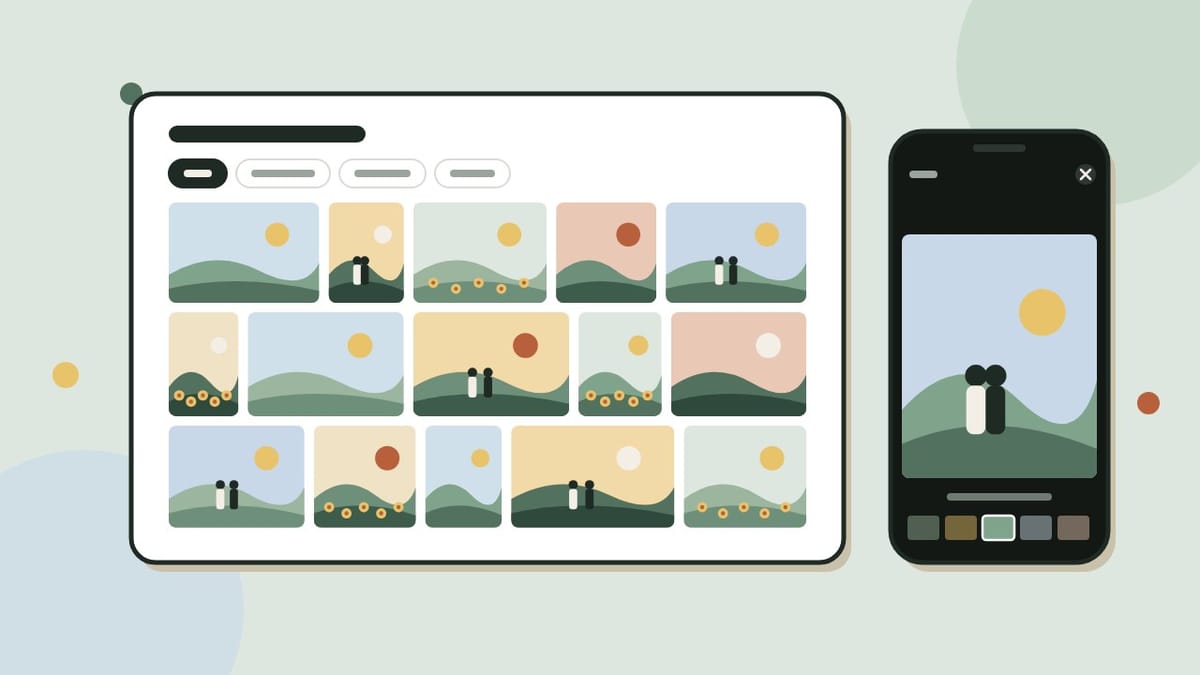
See the image galleryPhotos at their own shape in rows that line up, albums for every event, and a full-screen viewer visitors can swipe through.