







Features · Image gallery
A gallery worthy of your best work.
Every photo keeps the shape it was taken in, opens full screen with a swipe, and loads sharp on any phone. Show off your best work, give every event its own album, or tell the story of one project. Tap any photo on this page to try it.
Look 1 · Portfolio
Rows that fit together, with nothing cropped.
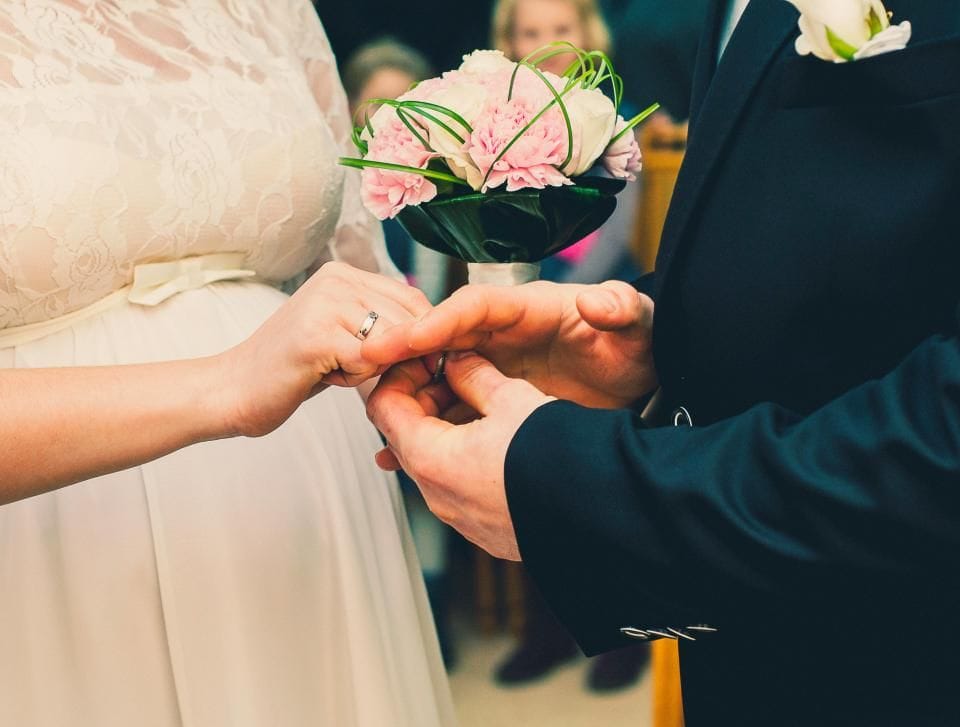
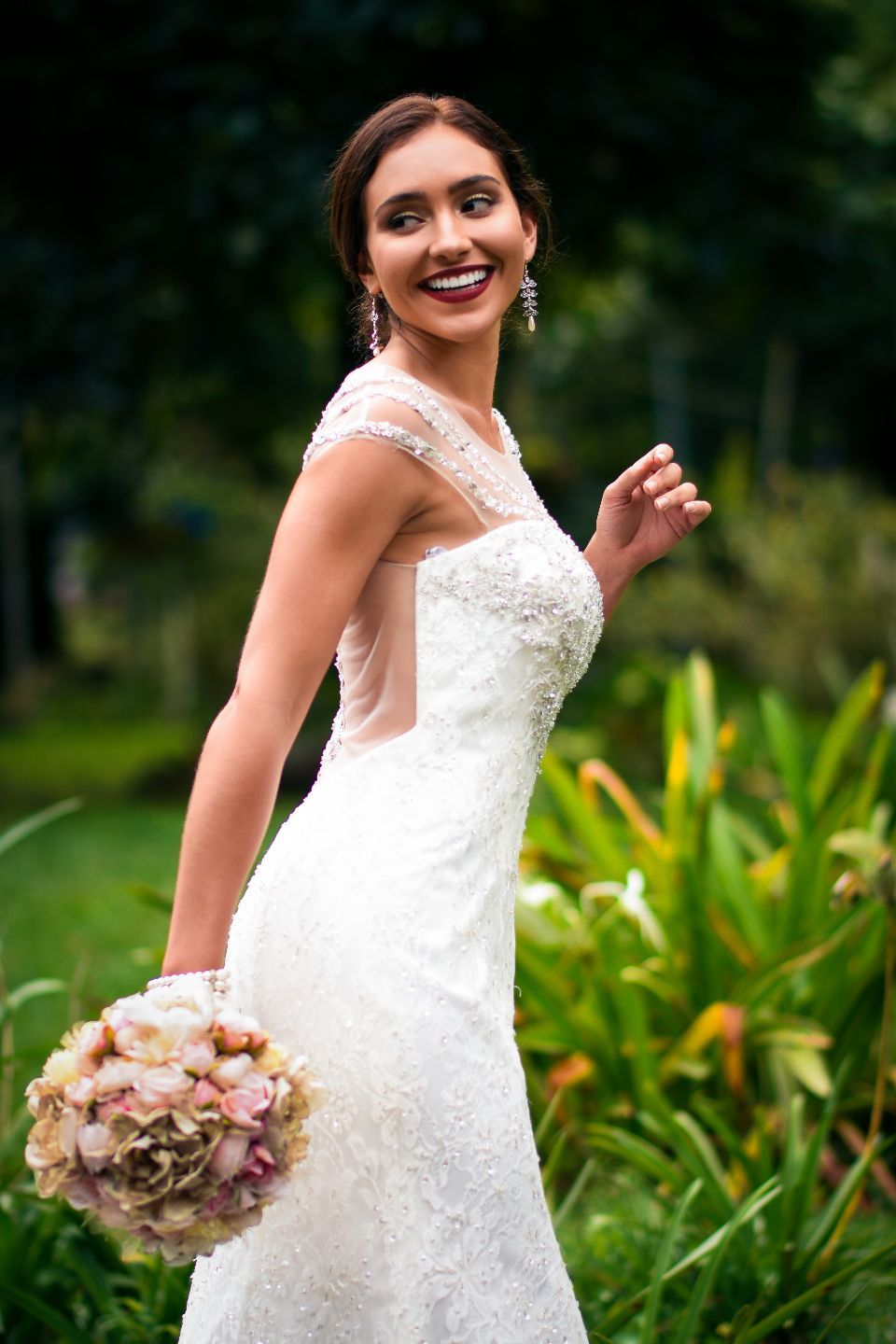
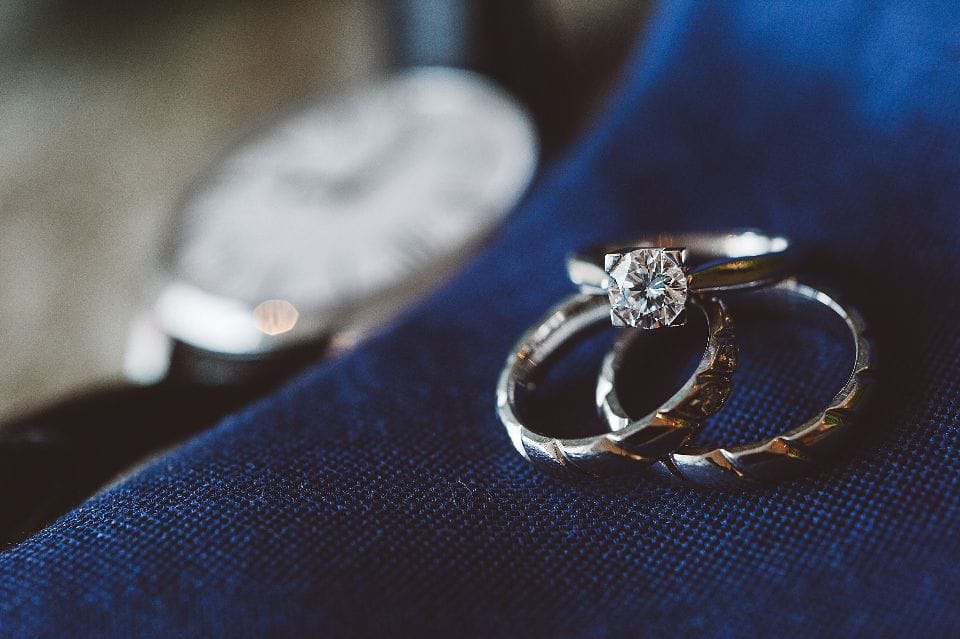
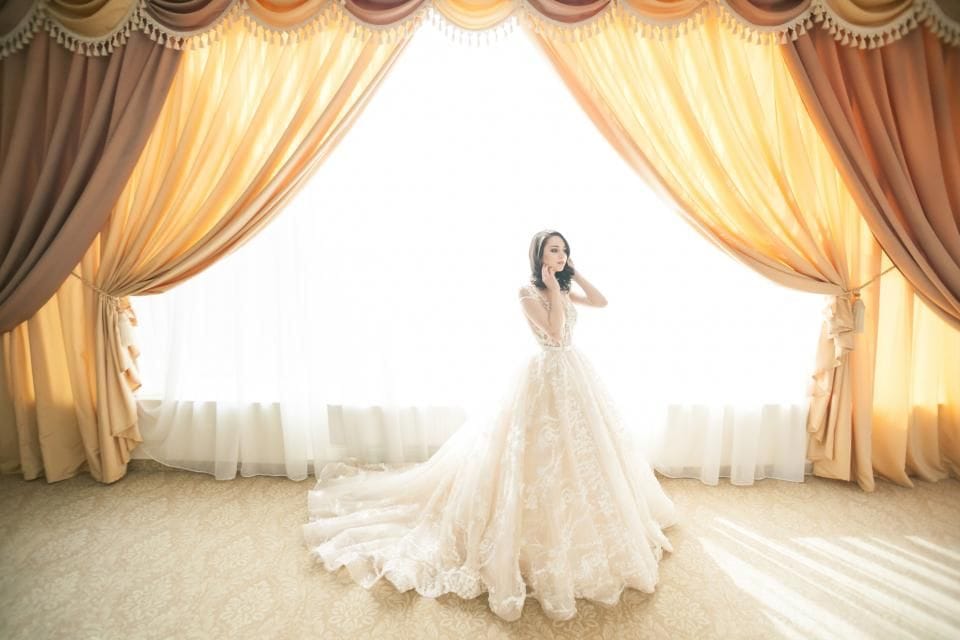
A made-up studio’s recent weddings. Tall portraits and wide landscapes share each row at their own shape, and the chips sort the work by kind.
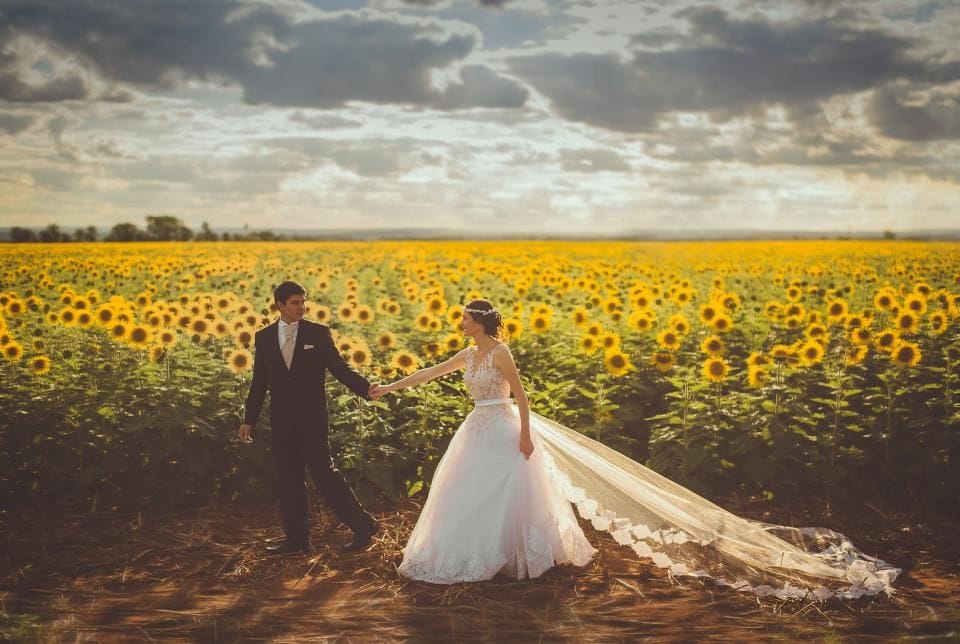
Golden hour in the sunflowers
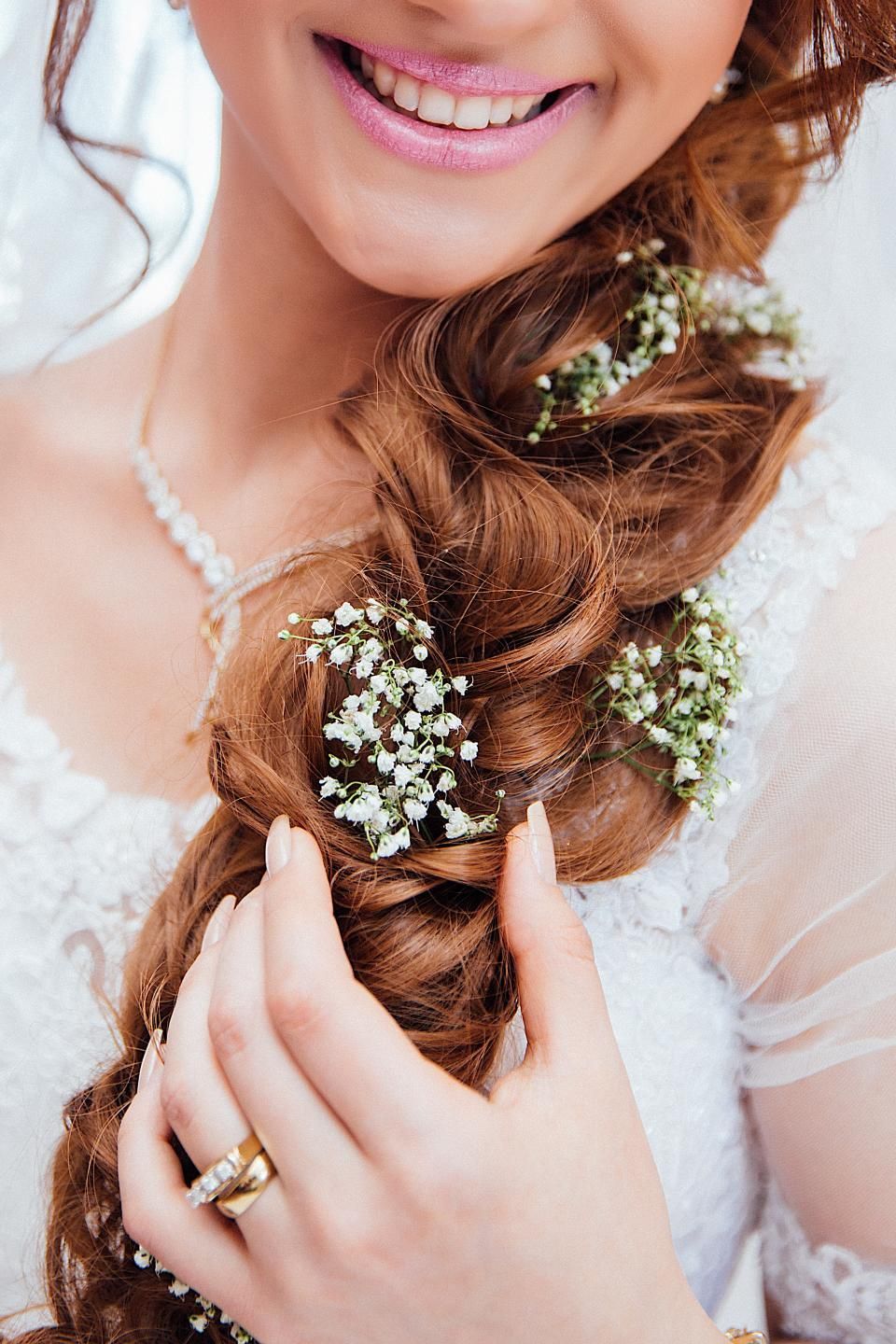
Baby's breath, braided in
The ring
Sparkler send-off
Just married
Rings on velvet
The last quiet moment
Close
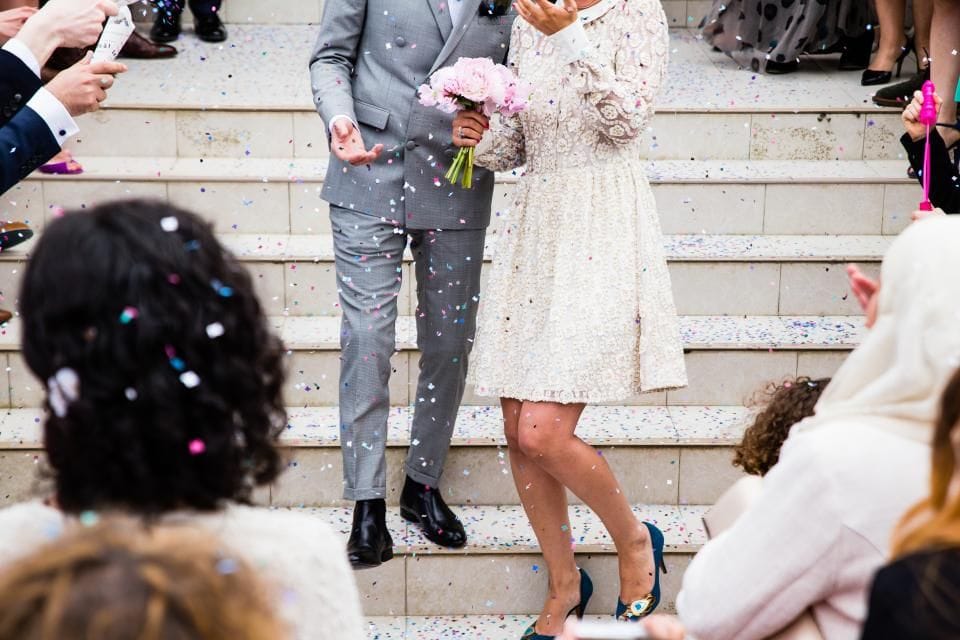
Confetti on the steps
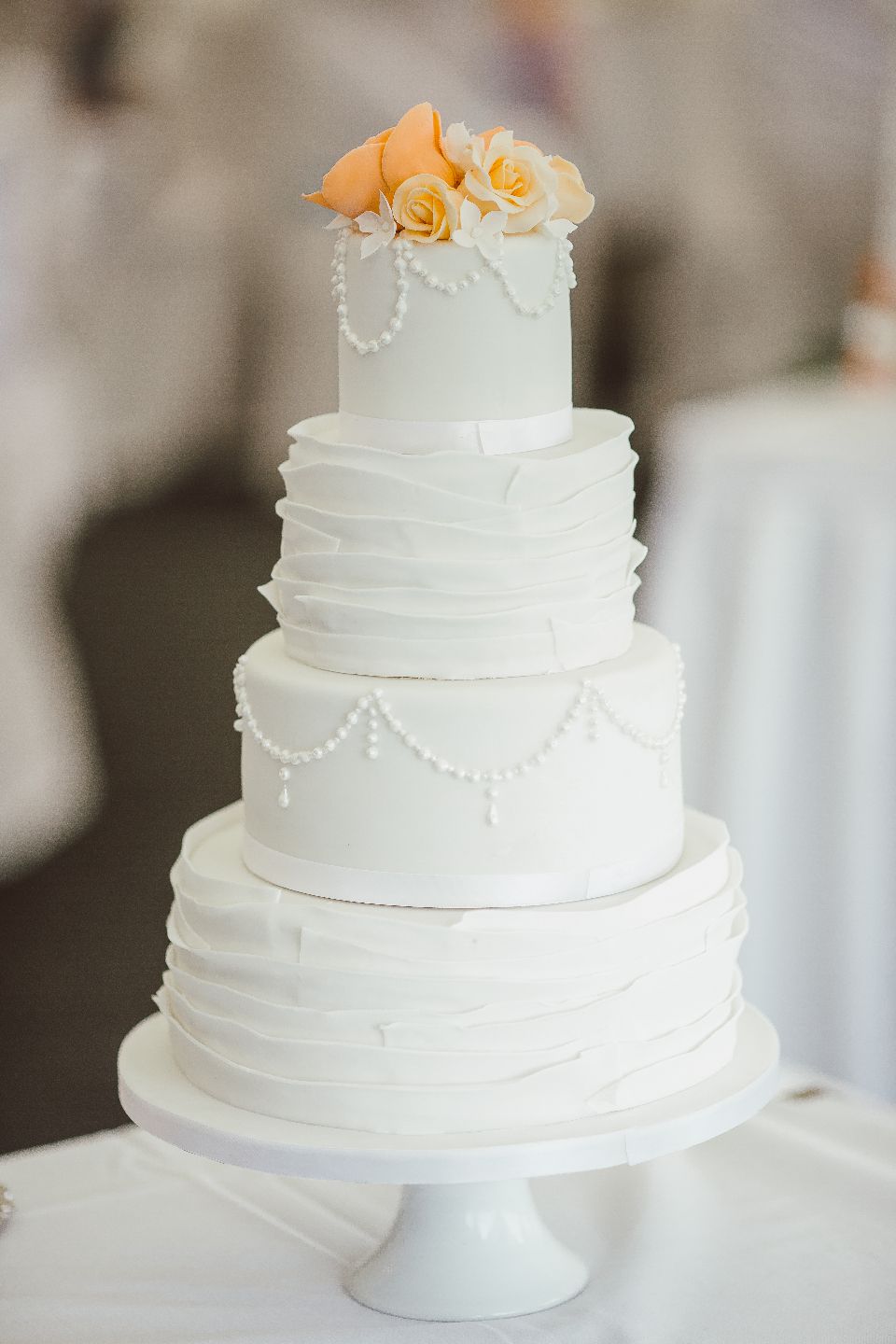
Four tiers of lemon and elderflower
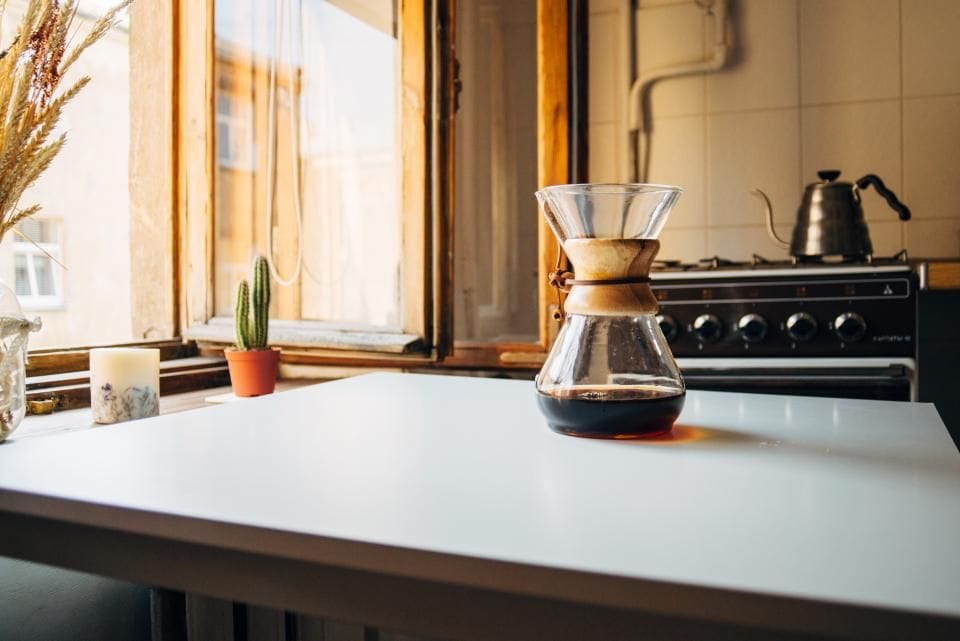
By the window
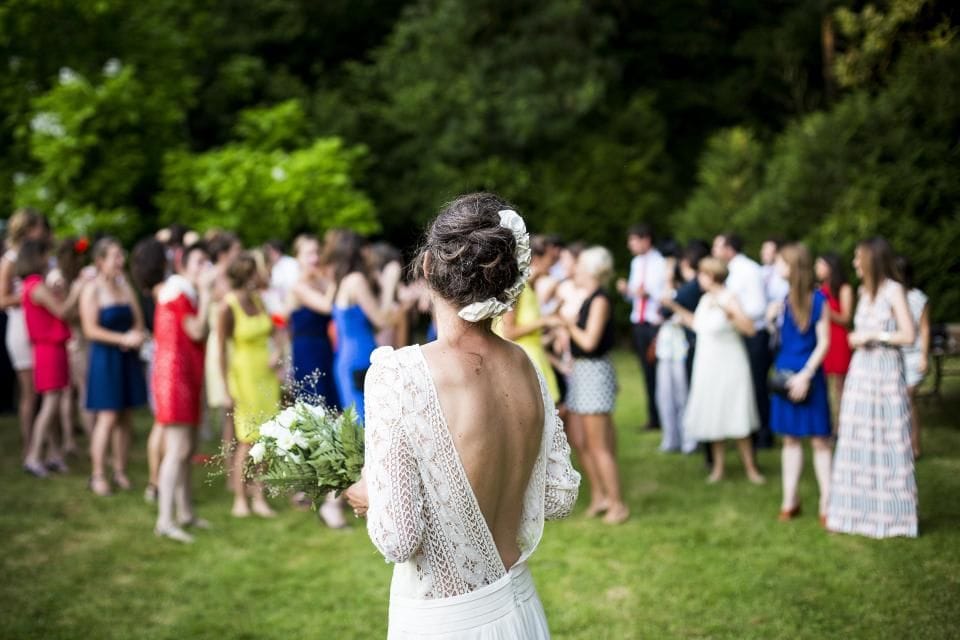
Garden reception
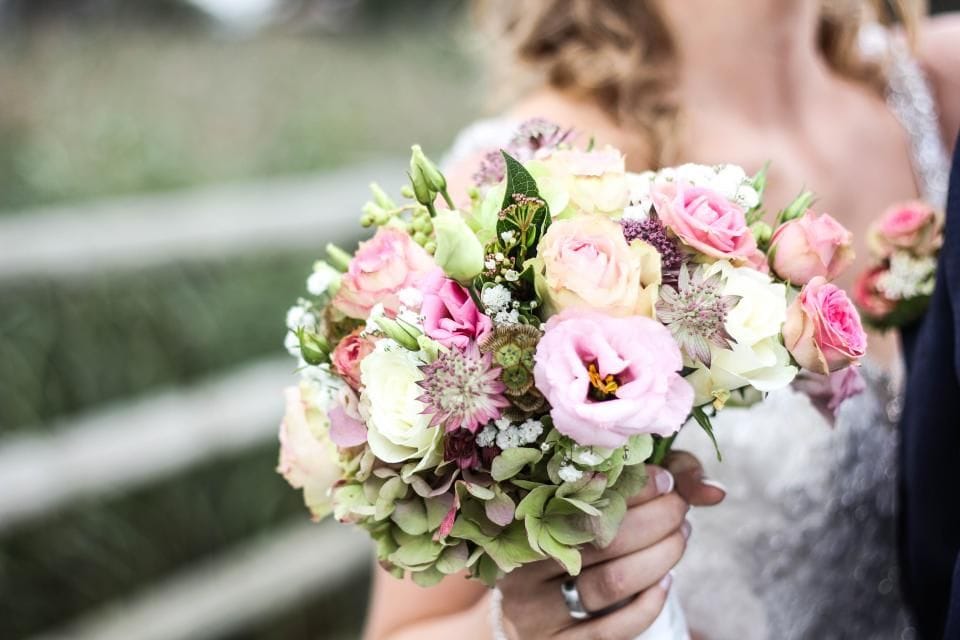
Peonies and sweet peas
First dance
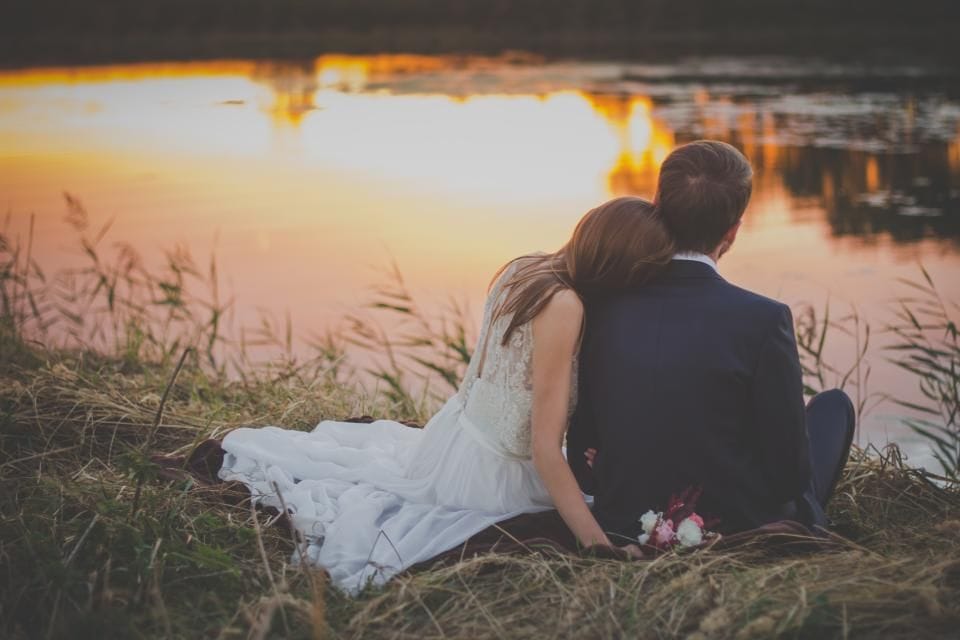
Sunset at the lake
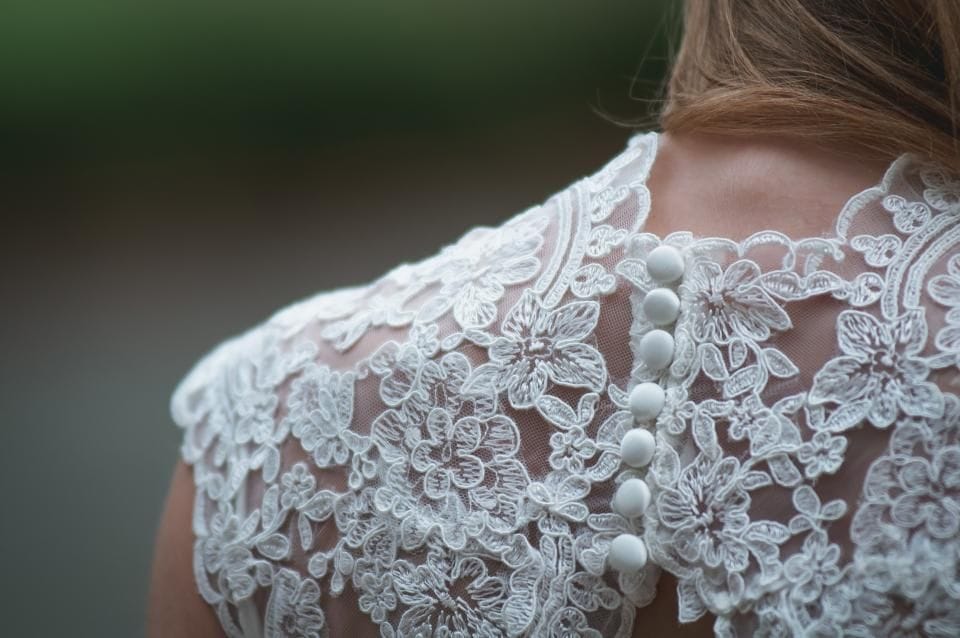
Buttoned up
With this ring
A toast
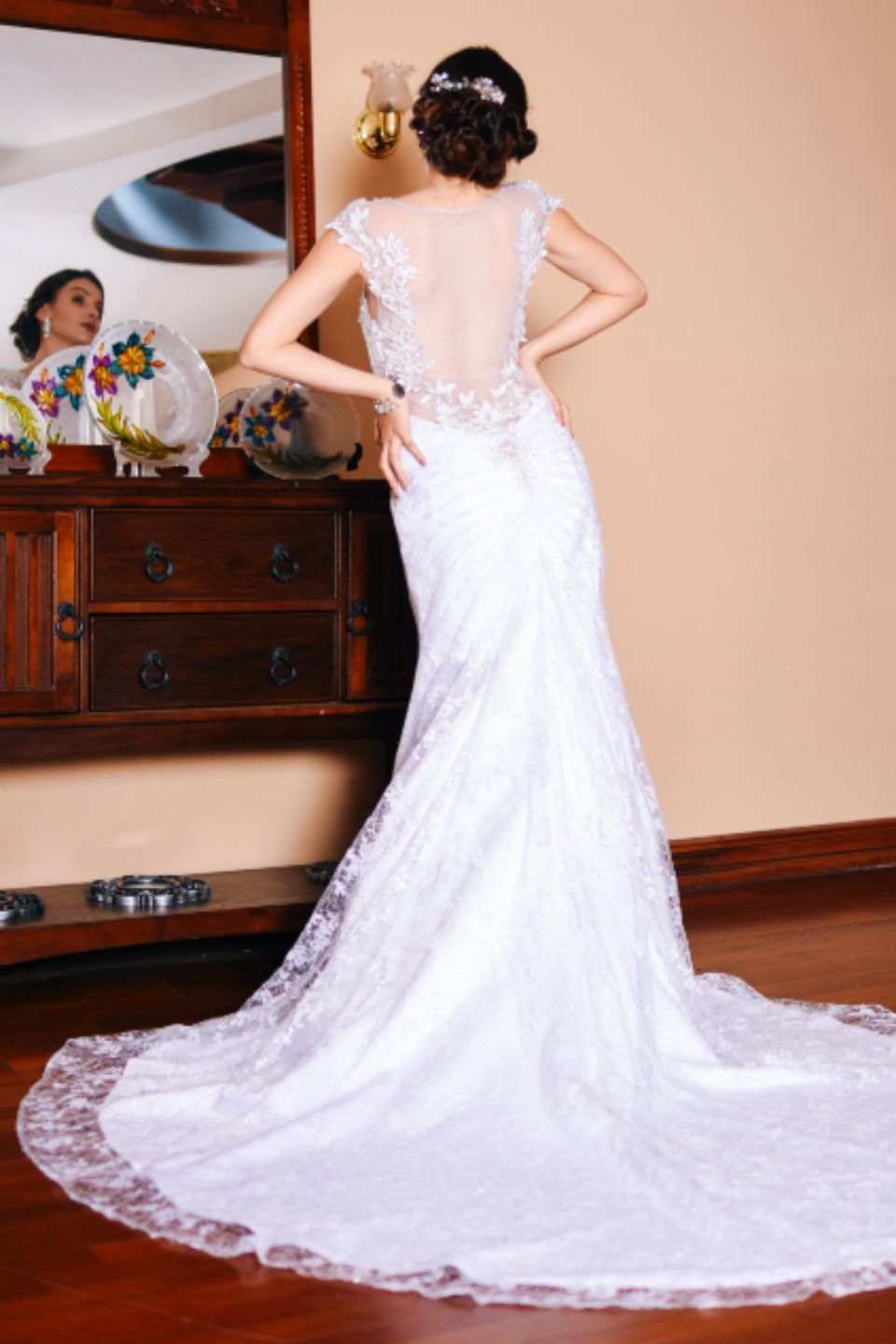
The train
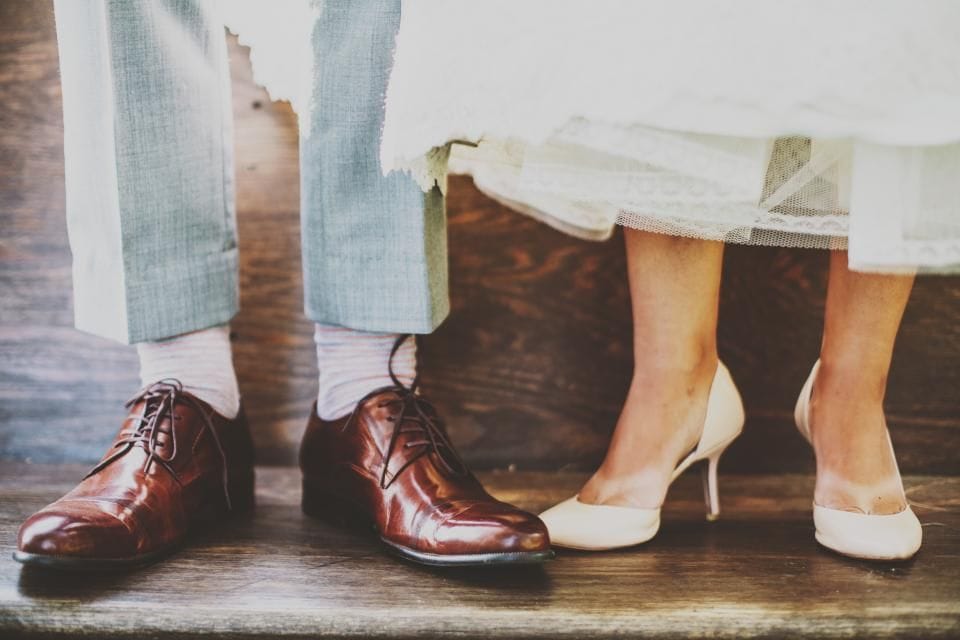
Shoes, chosen together
Look 2 · Albums
An album for every event.
A made-up outdoors club’s last four get-togethers. Each card opens its own album, and every album has a link of its own to send to members the day after.
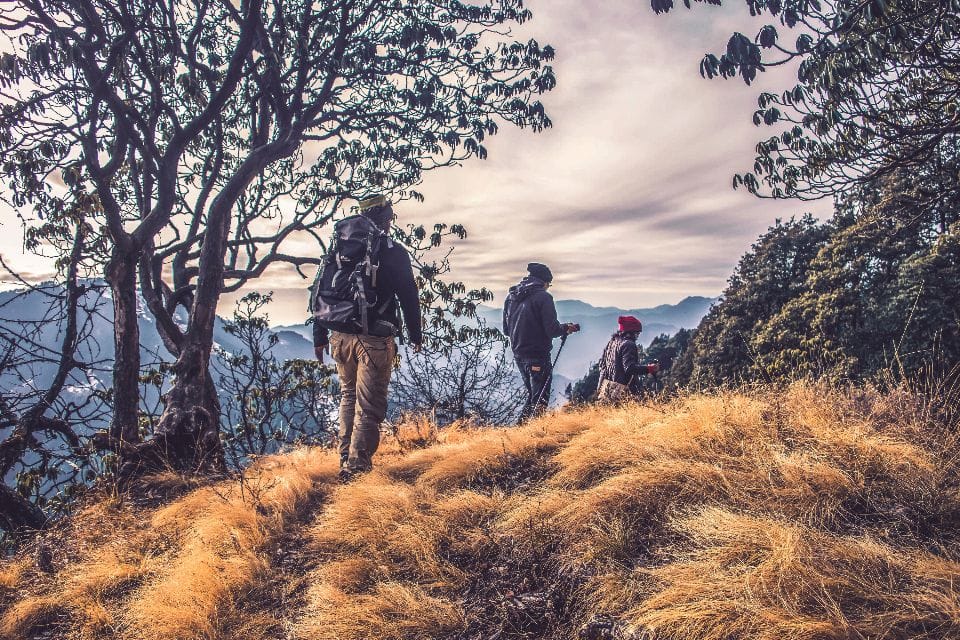
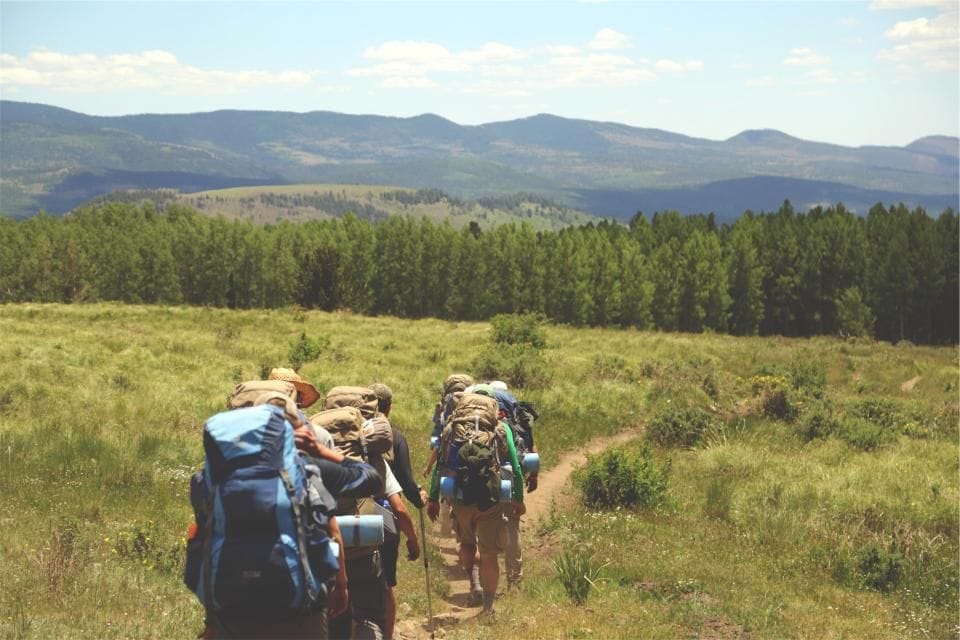
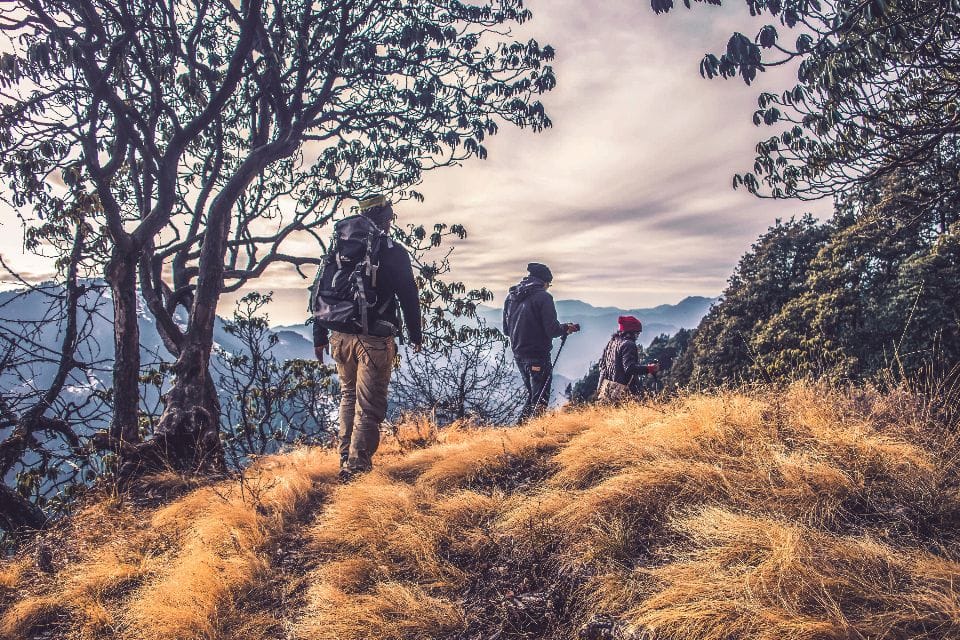
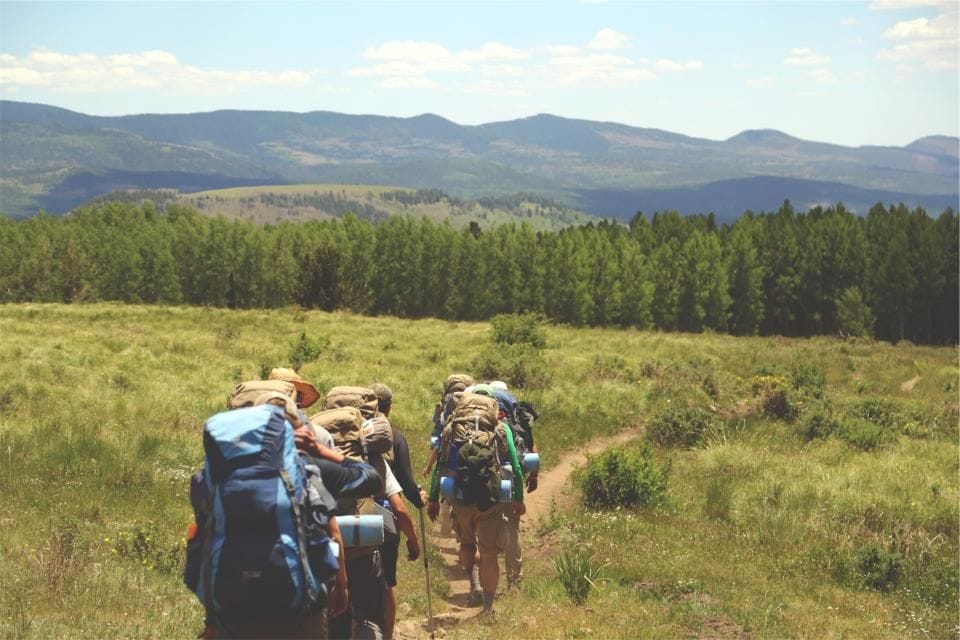
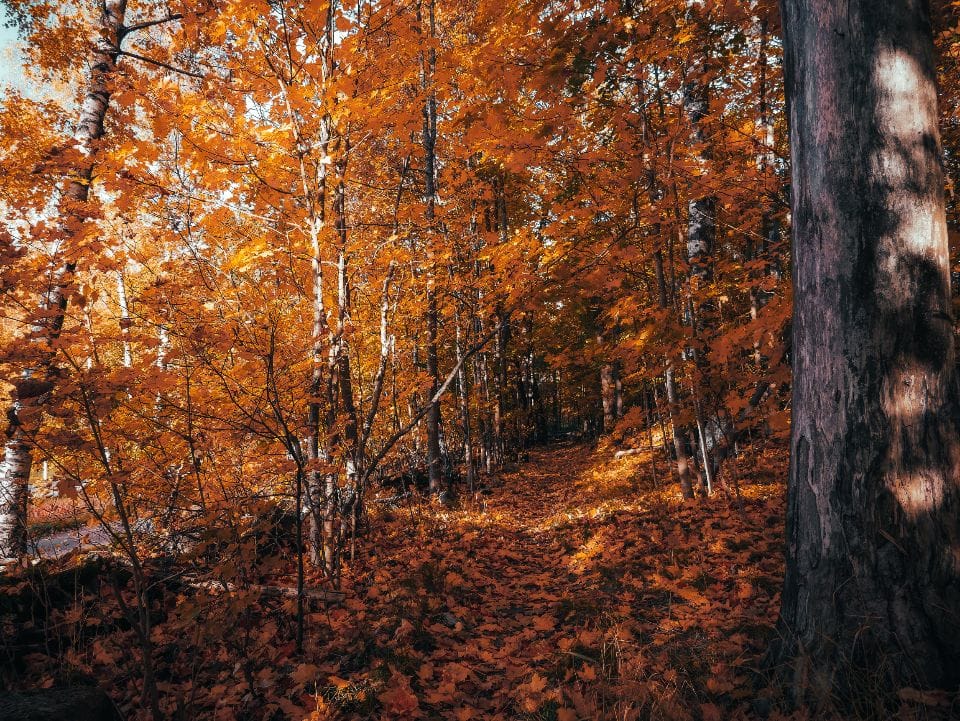
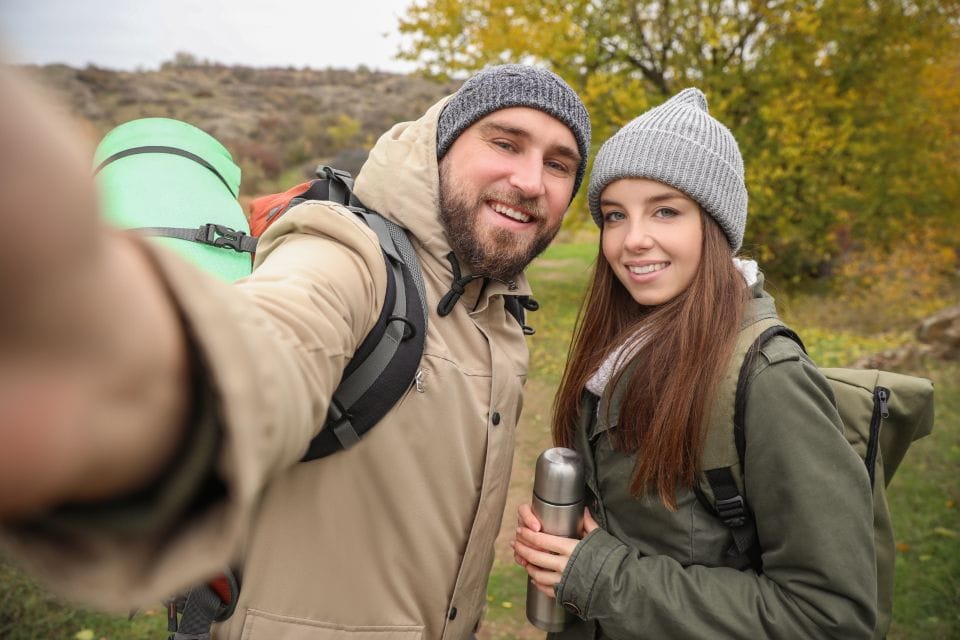
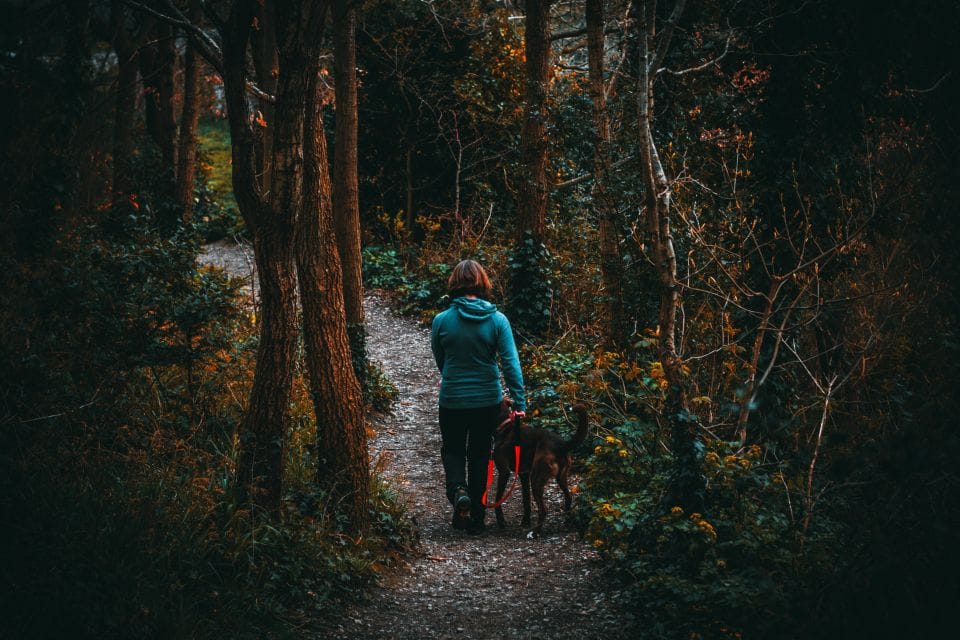
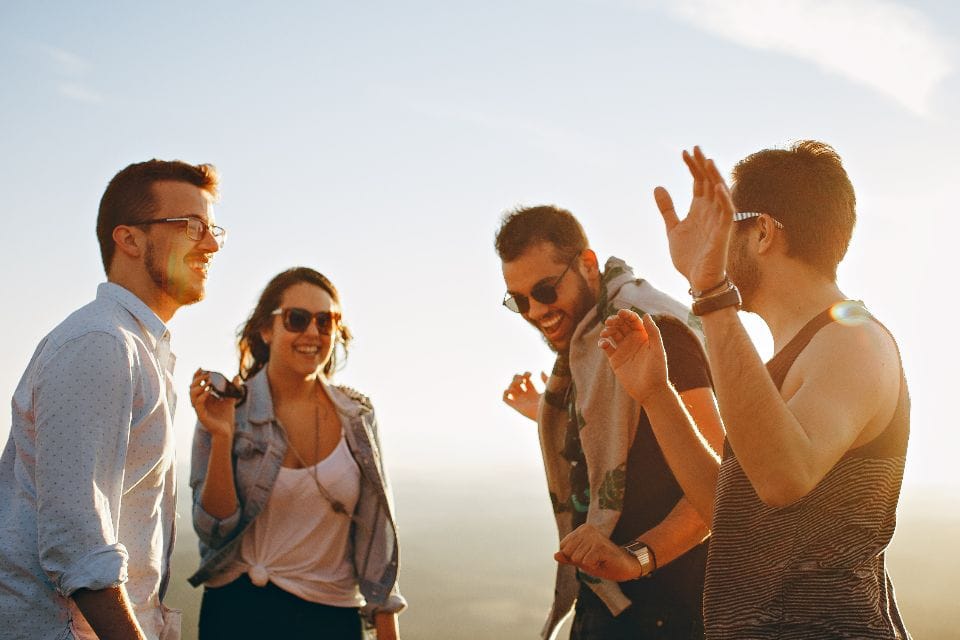
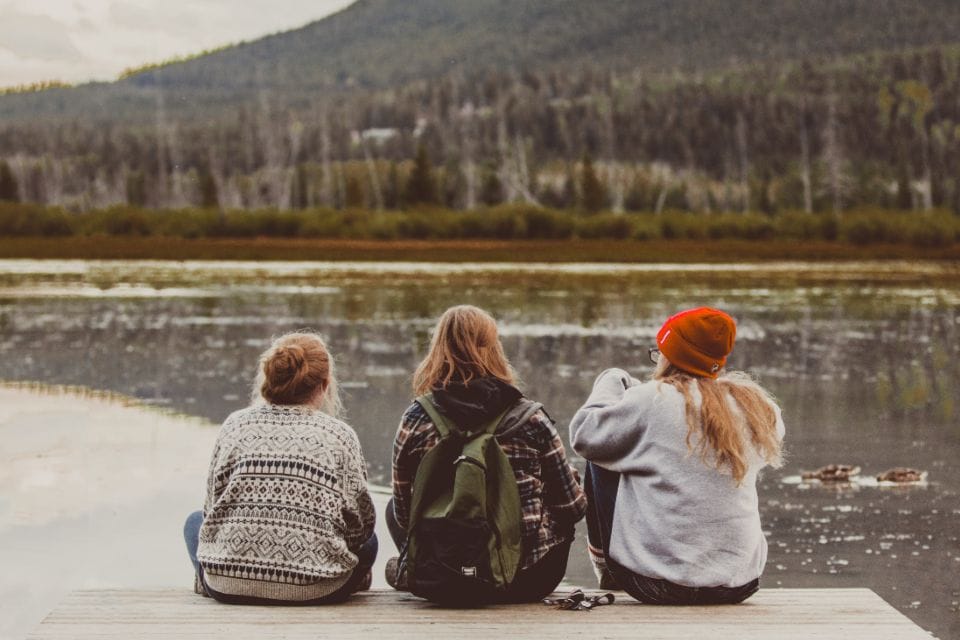
Fall foliage hike
October 4, 2026 · Blue Hills · 7 photos
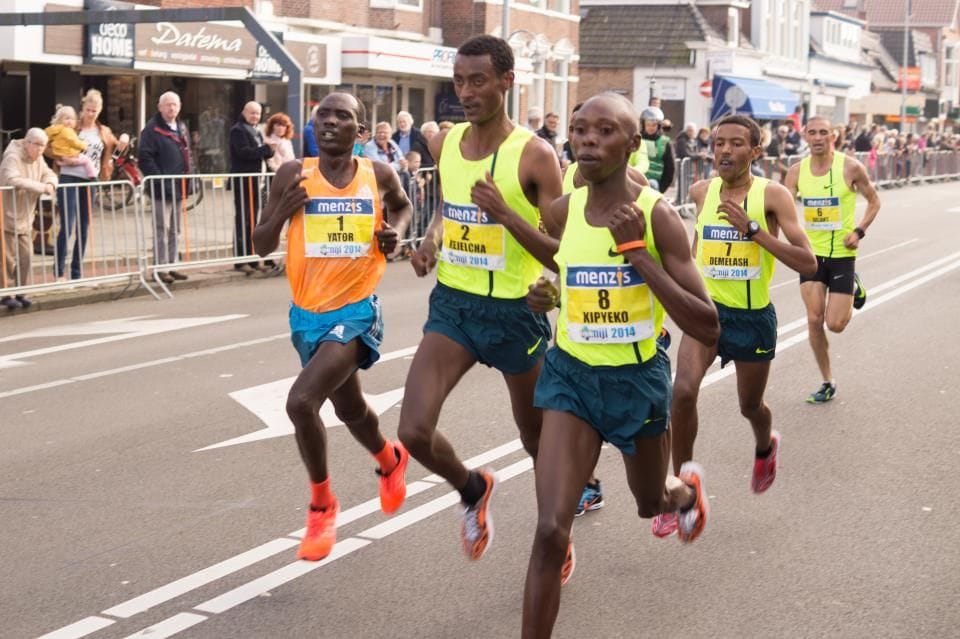
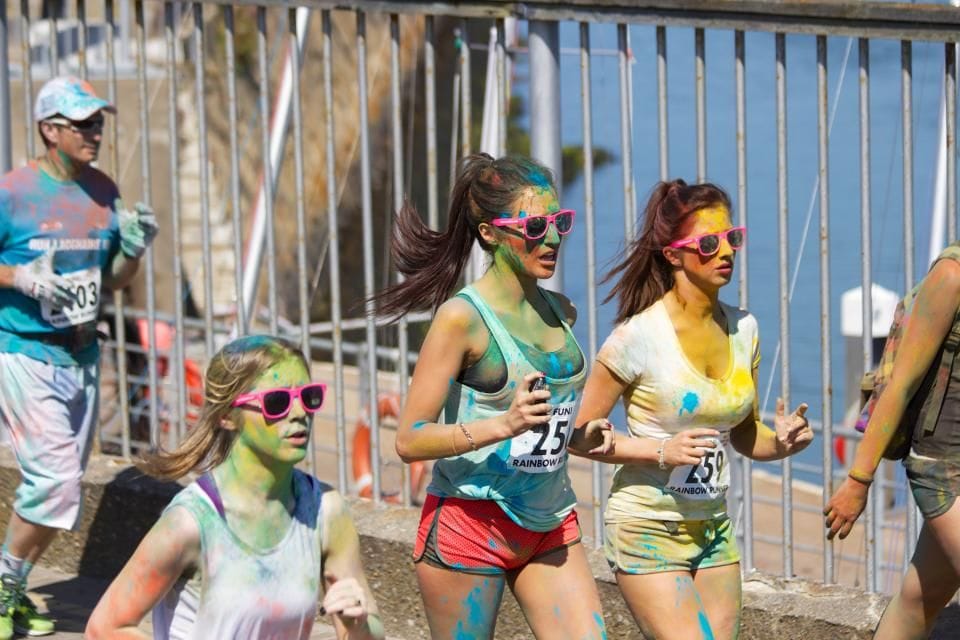
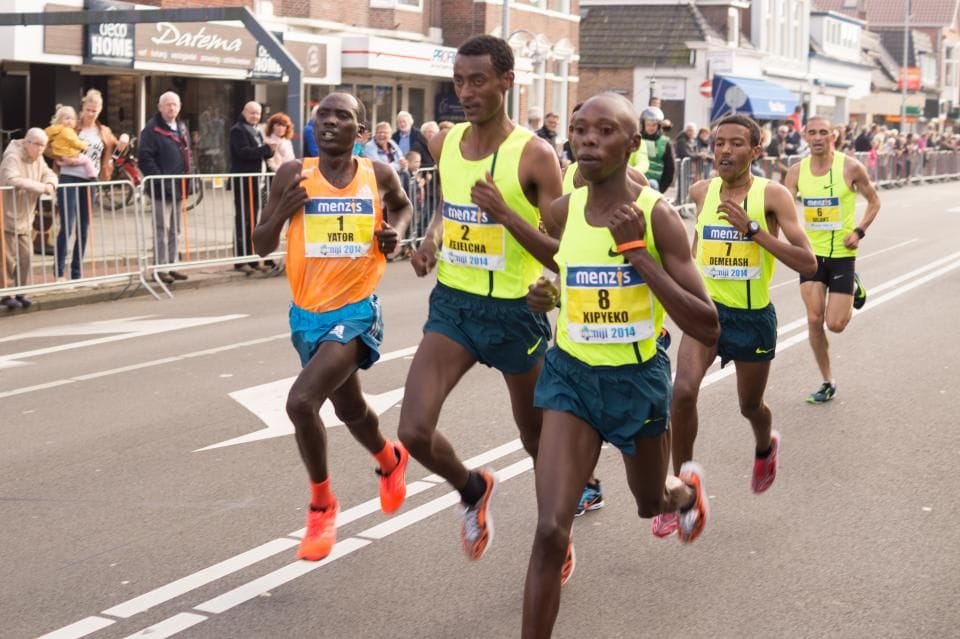
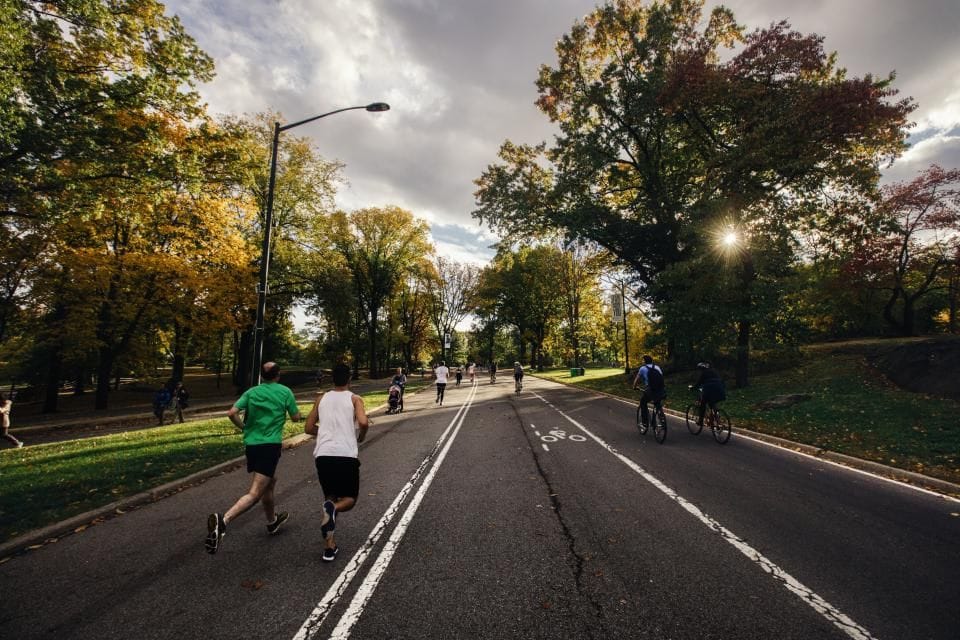
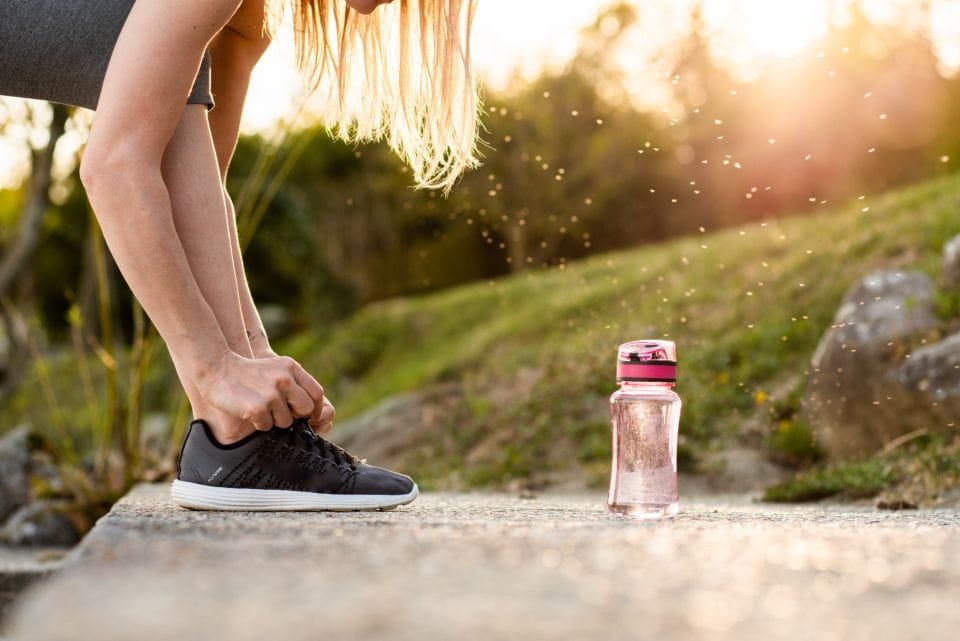
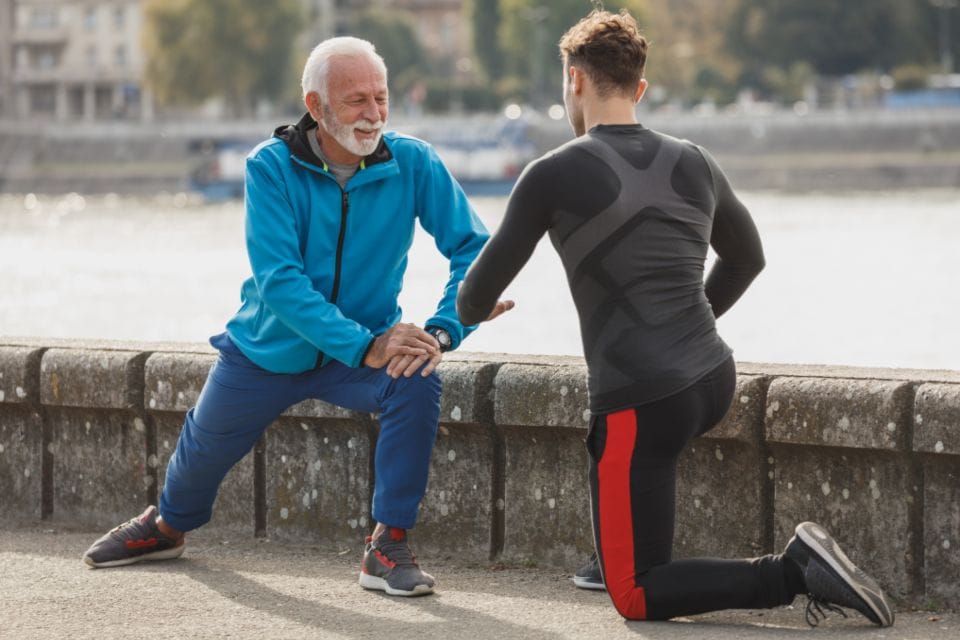
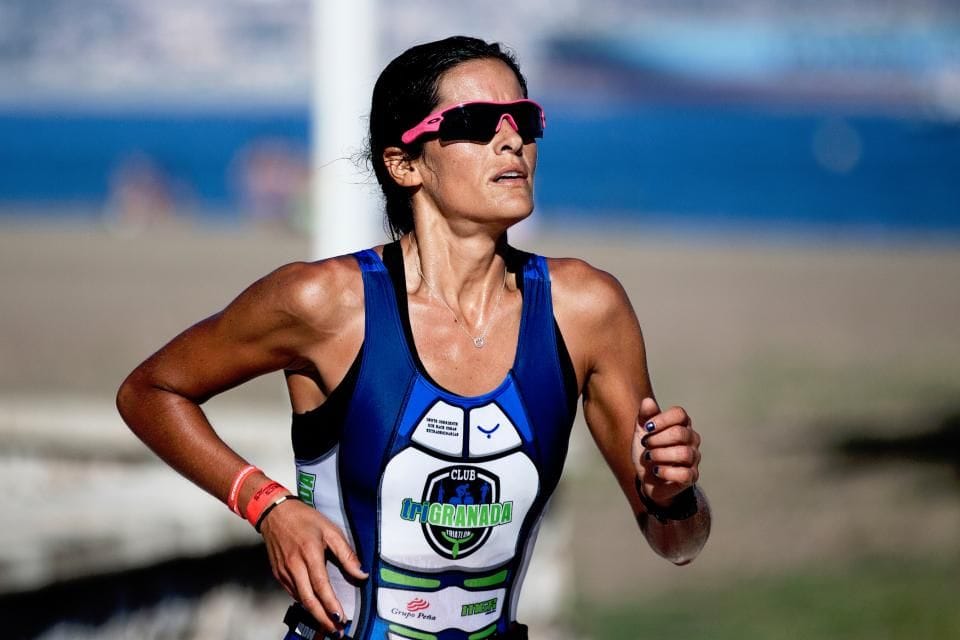
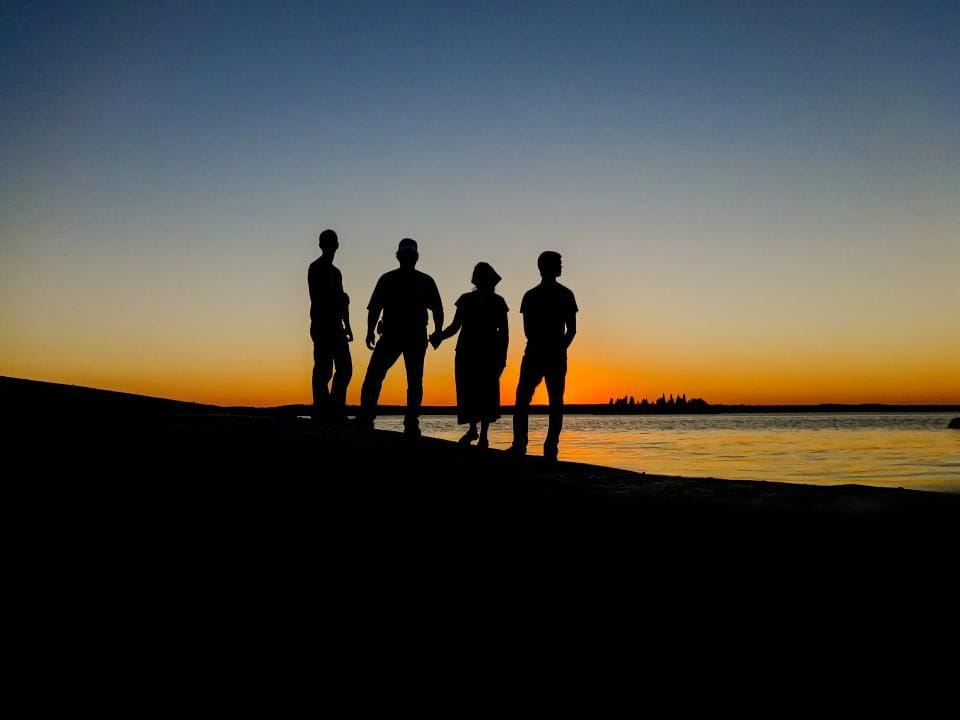
Riverside 5K fun run
September 13, 2026 · Riverside Park · 7 photos
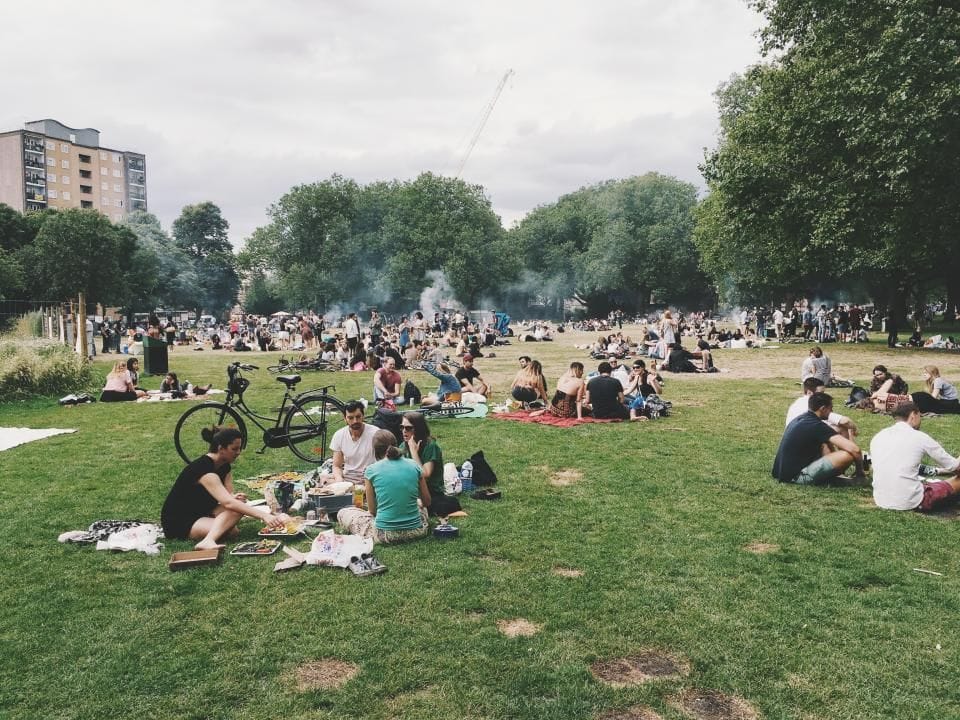
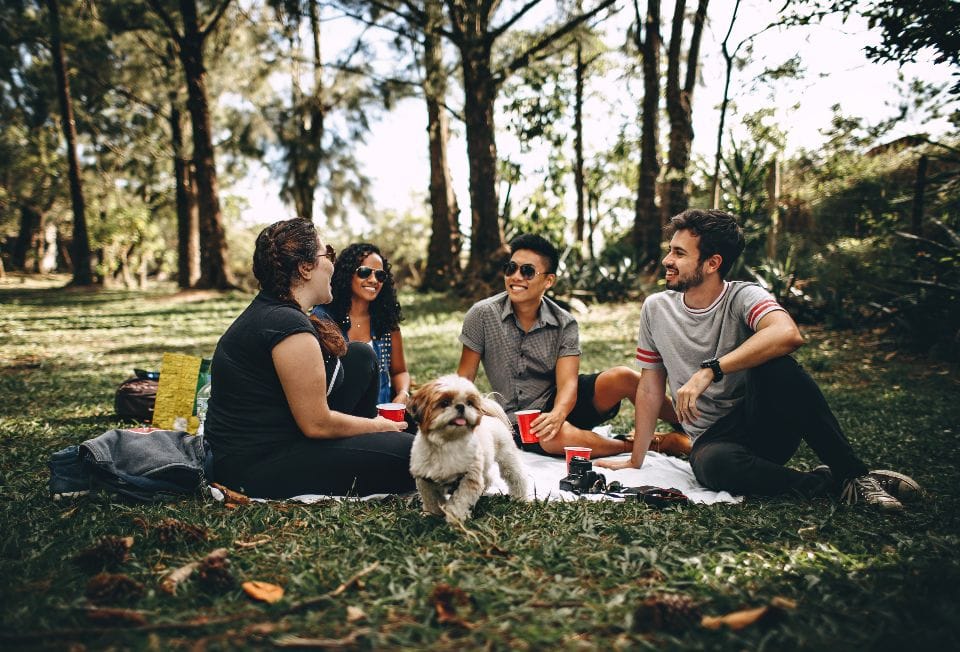
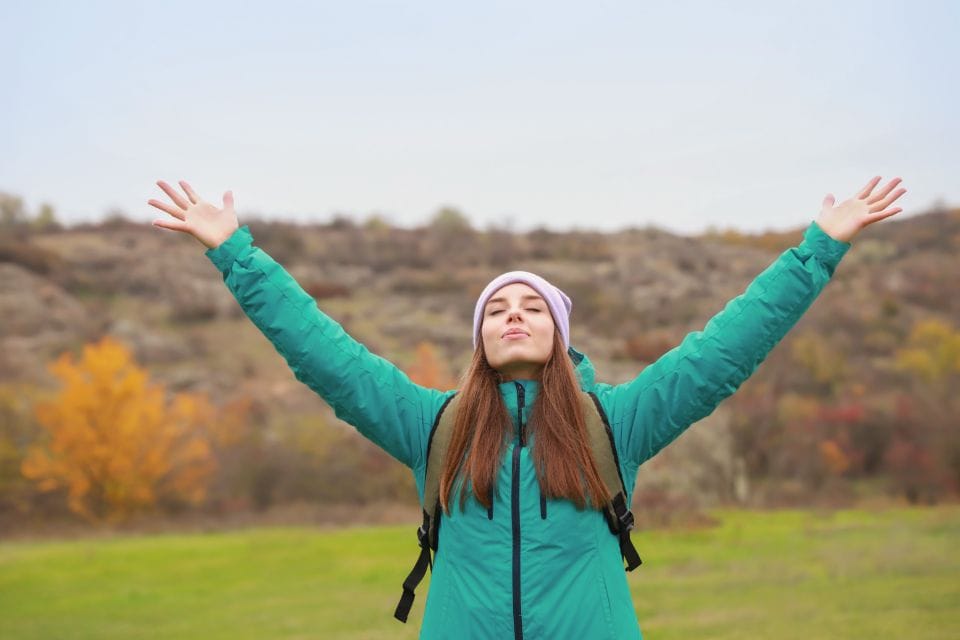
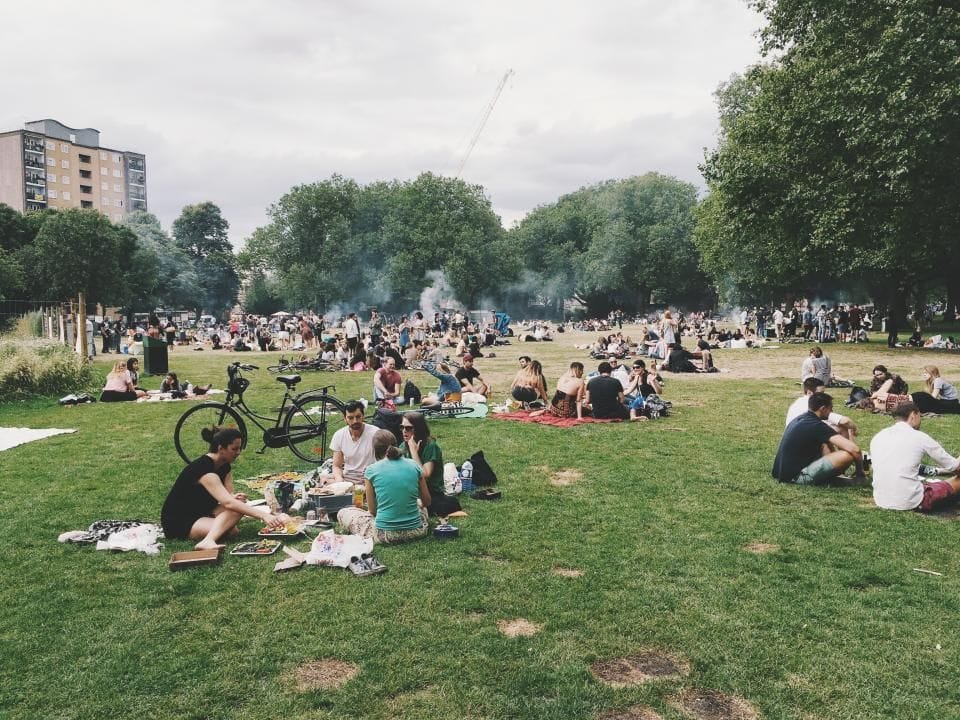
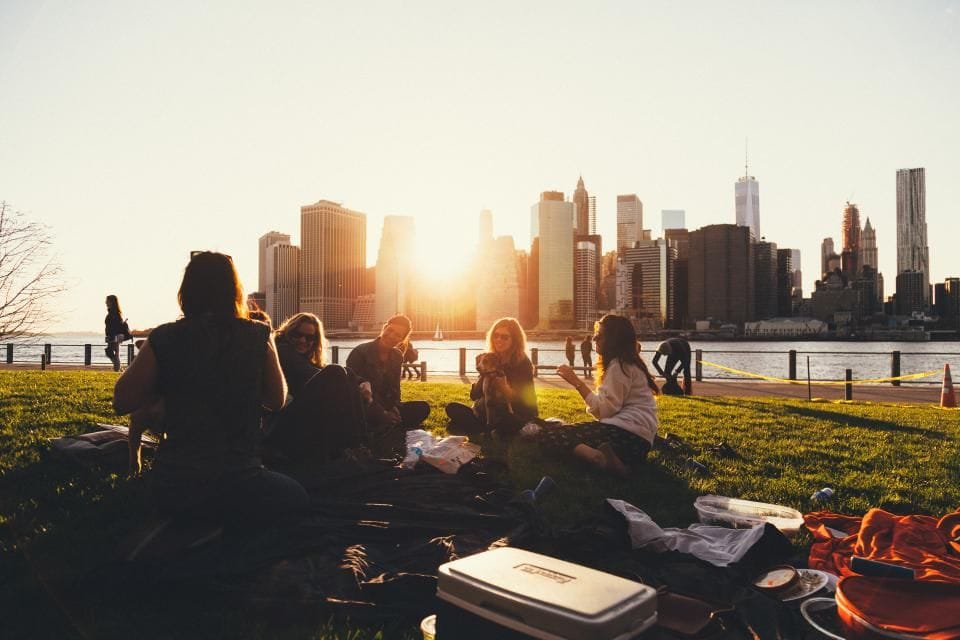
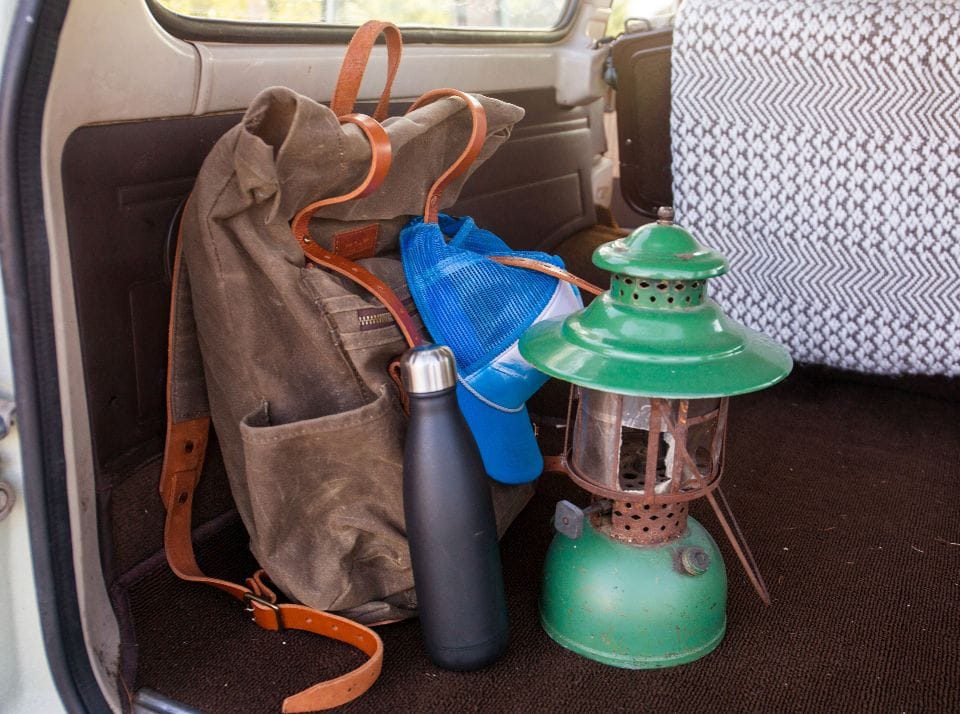
Summer picnic
August 9, 2026 · Riverside Park lawn · 7 photos
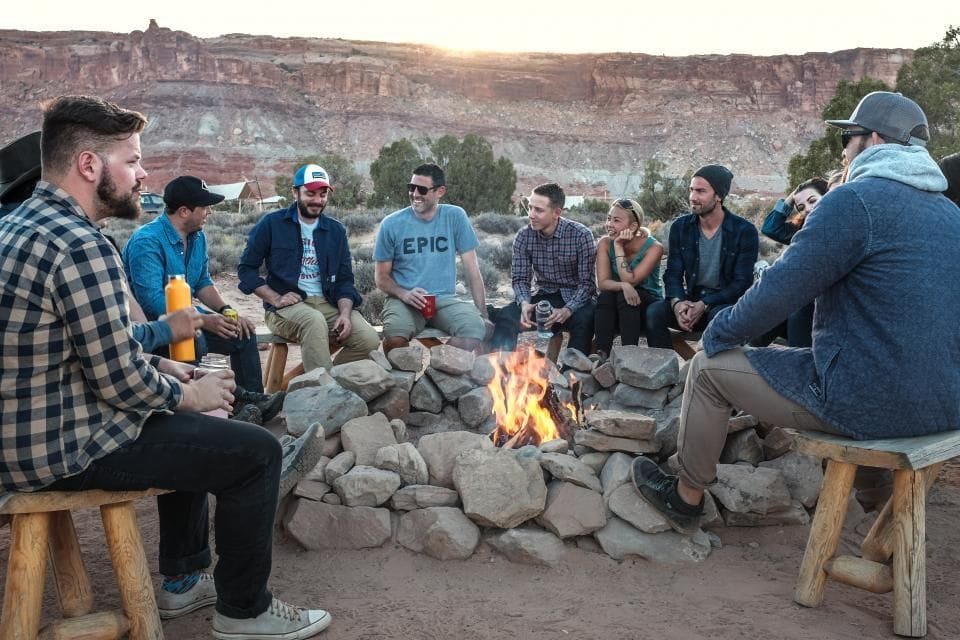
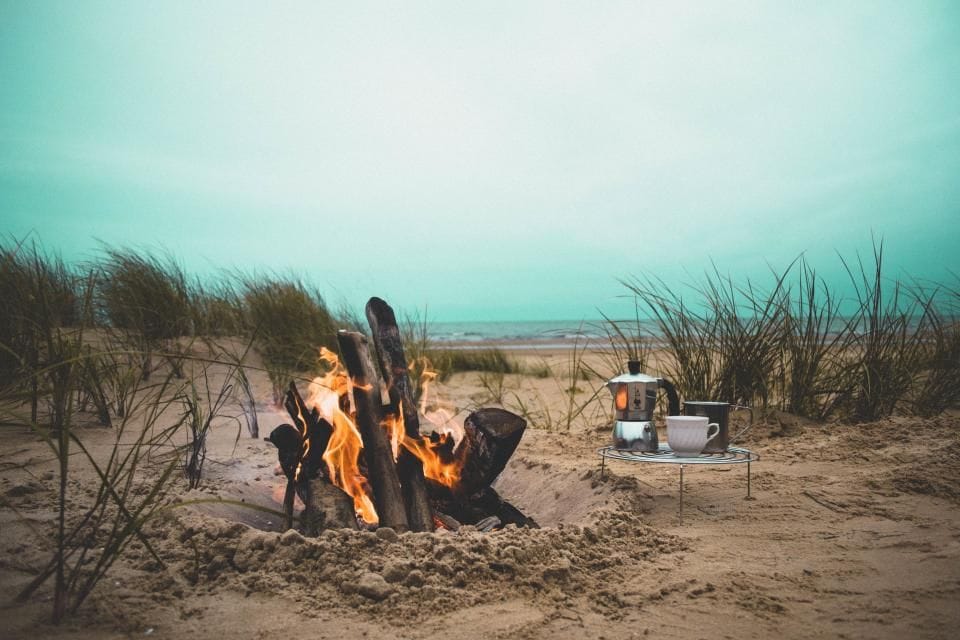
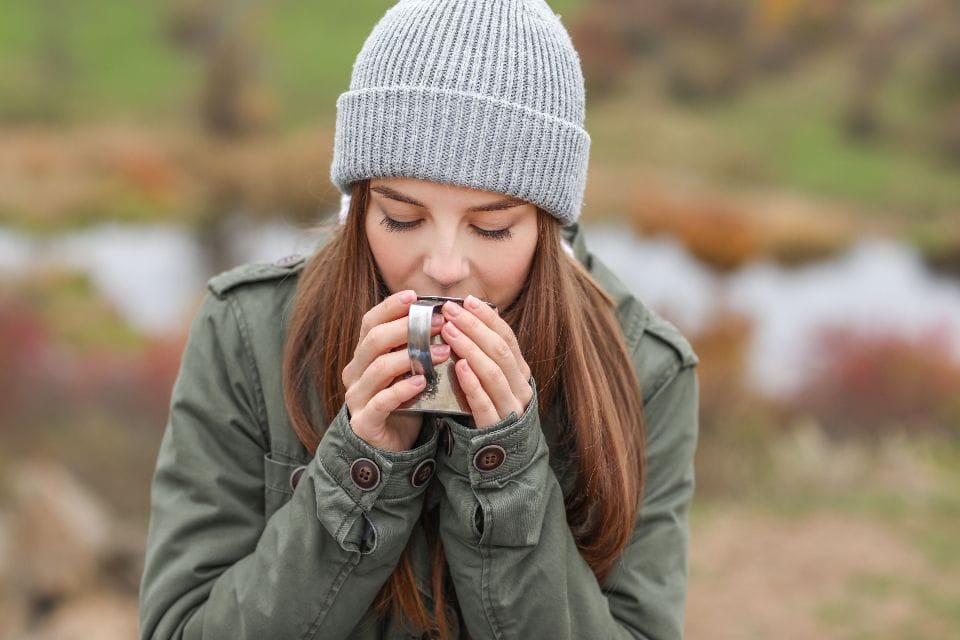
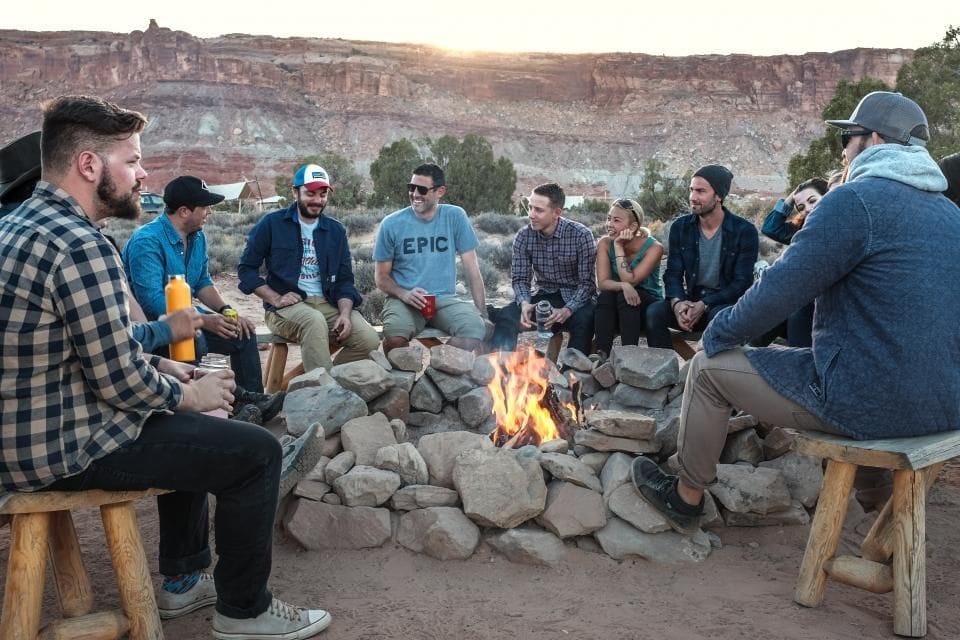
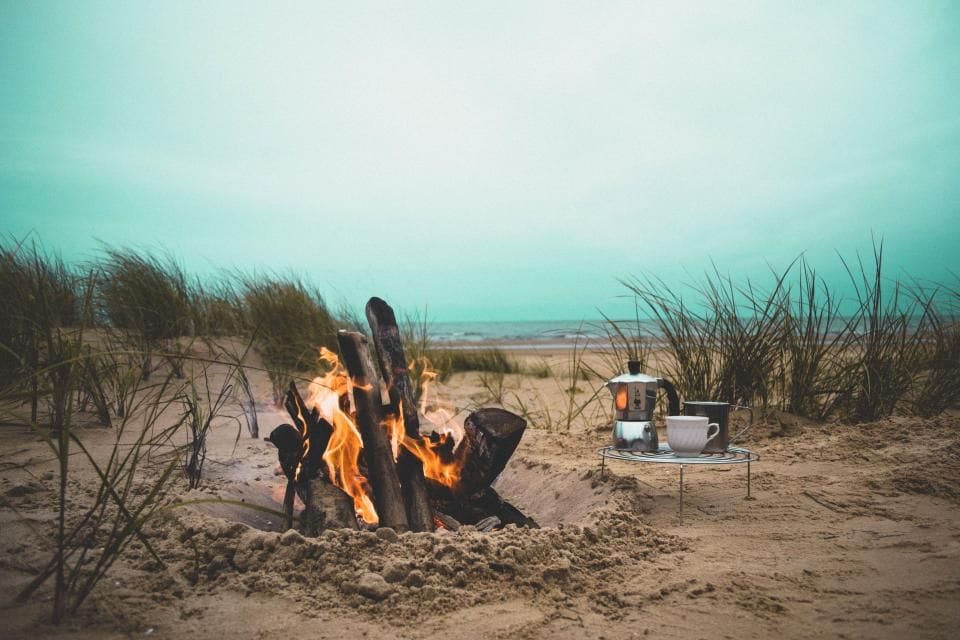
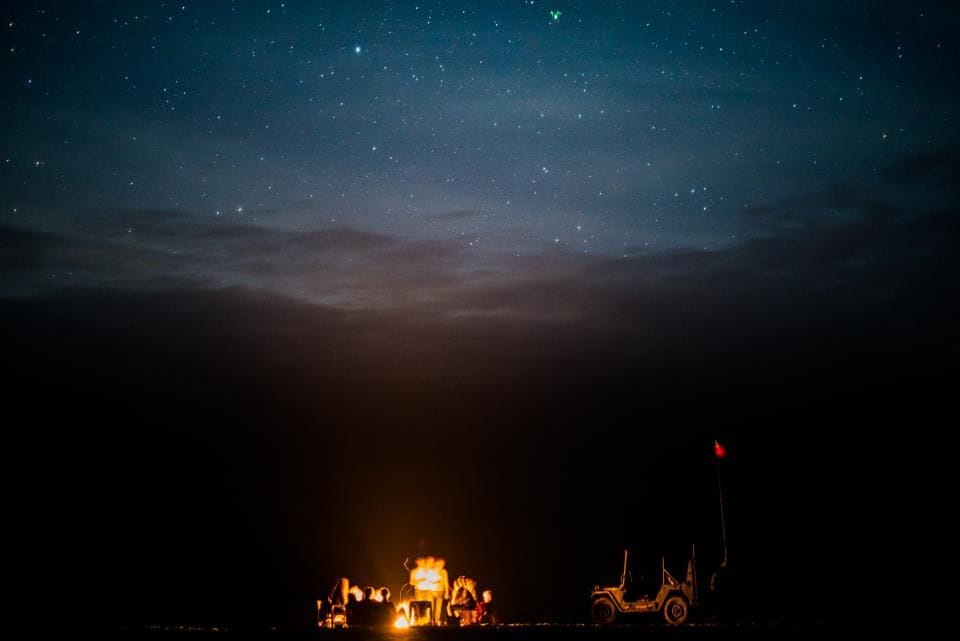
Campfire night
July 18, 2026 · Lake Pine campground · 6 photos
What your visitors get
Your photos, shown the way you took them, on every screen.
-
Nothing cropped
Tall and wide photos sit side by side at their own shape, in rows that always line up. No heads cut off, no awkward squares.
-
A full-screen viewer
A dark, quiet viewer with a filmstrip, captions and a counter. Swipe on a phone, arrow keys on a computer, swipe down to close.
-
Sharp and fast
Each screen gets a photo sized for it, never more, and photos load as visitors scroll, so a gallery of sixty still opens quickly.
-
Filters that need no app
Chips like Portraits or Details sort a portfolio in a tap. They work even with JavaScript turned off.
-
An album per event
Each album has its own link, so you can text members the photos from Saturday's hike the morning after.
-
A story in photos
Lead with your best shot, then pairs, full-width photos and a few lines of words: the whole project, in order.
How we set it up
Send us your photos by email or a shared Drive or Dropbox folder, as large as your camera made them. Tell us which look you want and, if you like, a caption or two. We sort them into rows, albums or a story, size them for every screen, and show you the page before anything goes live.
After your next wedding, game day or job, just send the new photos and we add an album or a story the same week. The photos on this page are free-to-use stock photos from StockSnap; on your site we only use photos you own or have permission to use.
Want this on your site?
Let your photos do the talking.
Send us ten of your favorite photos and we will show you a gallery on your own site before you decide anything.