
Guides · November 12, 2026
Wedding photographer website: a ready-made design or a custom one?
A ready-made design can get a wedding photographer online without a blank page. Five checks before you choose, the sameness question, and when a custom design is the better door.
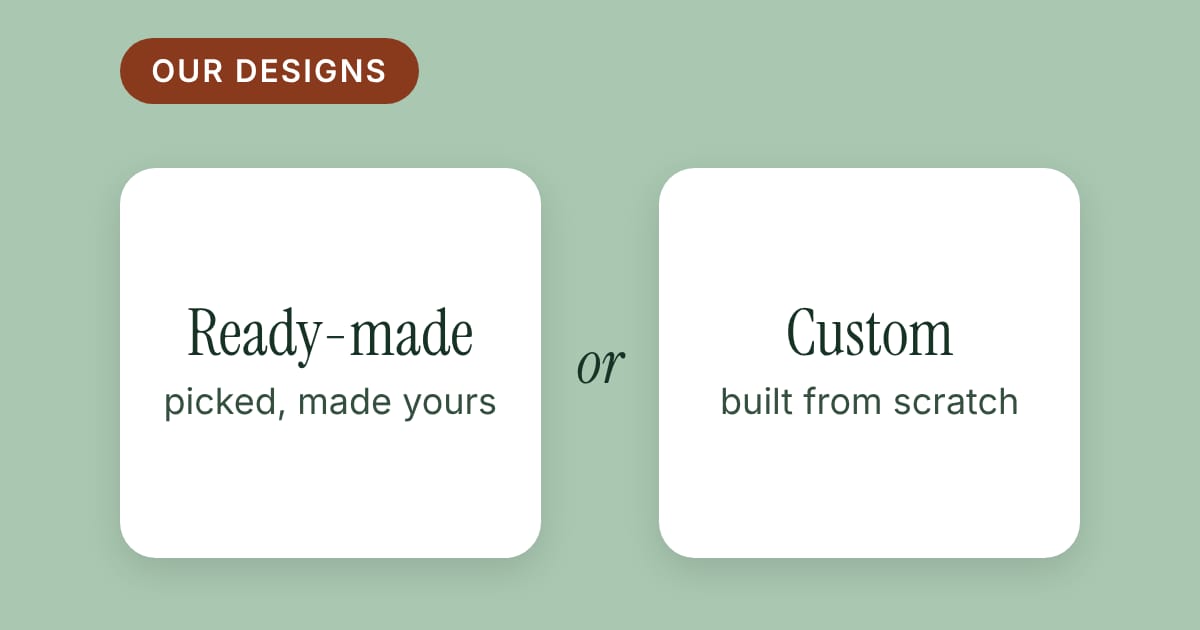
A wedding photographer who decides the website is overdue usually faces three doors. One is a site builder, where you assemble the pages yourself. One is a designer who makes something from scratch. The third is a ready-made design: someone has already built the look and the pages, and you add your own photographs and words.
This guide is about the third door. It can be the quickest way to a site that looks considered, and it can also go wrong in a few predictable ways. Here is what to check before you choose, and when a custom design is the better answer.
What "ready-made" should and should not mean
A good ready-made design is a finished website. The look is decided, the pages are in place (a home page, a portfolio, an about page, contact, usually a blog), and what is left for you is the part only you can supply: your pictures, your words and your prices.
It should not mean a kit of parts you have to assemble, a program to install, or a plugin to keep up to date. If you are asked to download something, set up a server or learn a new tool before you can see your own photographs on the page, you are looking at a different door.
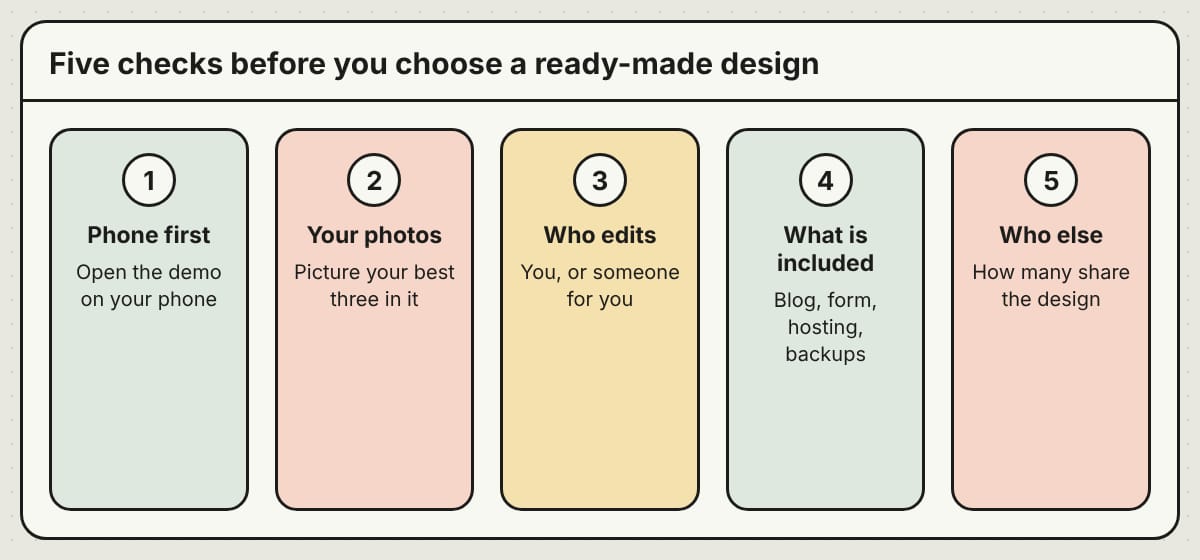
Five checks before you choose
1. Open the demo on your phone. Most couples see your site on their phone first. Does the first photograph fill the screen? Can you find the way to contact the photographer without scrolling around?
2. Imagine your photographs in it. A demo is full of someone else's pictures. Think of your three best frames: are they tall, wide or square, and does the design give them room? A quiet, photo-first layout suits one kind of wedding and a colorful, playful one suits another. Choose the one your work already looks like.
3. Find out who does the editing. Some ready-made designs expect you to change the words and photos yourself, and some are looked after for you. Neither is wrong. Be honest about which one you will actually do, a year from now, on a busy Monday.
4. List what comes with it. A blog, a page for packages and prices, an inquiry form, hosting, backups, a secure padlock in the address bar, your own domain name. If something on that list is "extra" or "your job", know it before you pay.
5. Ask who else will have it. This one gets its own section below.
Try it: open two demos, one on your phone and one on a laptop, and write down the first thing a stranger would do on each. If it is not "look at the photographs" or "get in touch", keep looking.
The sameness question
The weak spot of a ready-made design is sameness. If a hundred photographers use the same look, a couple who compares five photographers in one city may see the same page five times.
So ask the seller two things: how many photographers can use a given design, and whether two of them can be in the same city. There is no right number, but a design that is sold once, or ten times and never twice in one city, protects the first impression better than one that is sold without limit.
That is how we sell our own ready-made designs at PageTend Studio: each design goes to ten photographers at most, and only once in any one city. It does not change what your photographs say. It does mean the frame around them is not on a competitor's site down the road.
Who does the editing: you or us
There are two ways to run a ready-made site, and it is worth picking on purpose.
If you like to keep your own pages current, you want a simple editor where you change your words, photos and blog posts yourself, in the browser, without code.
If you would rather be behind a camera than a laptop, you want someone else to make the changes. That is a managed website: you send a note, the change is made, and you do not touch the site. Our fully managed website service works this way, and Studio designs can be run the same way.
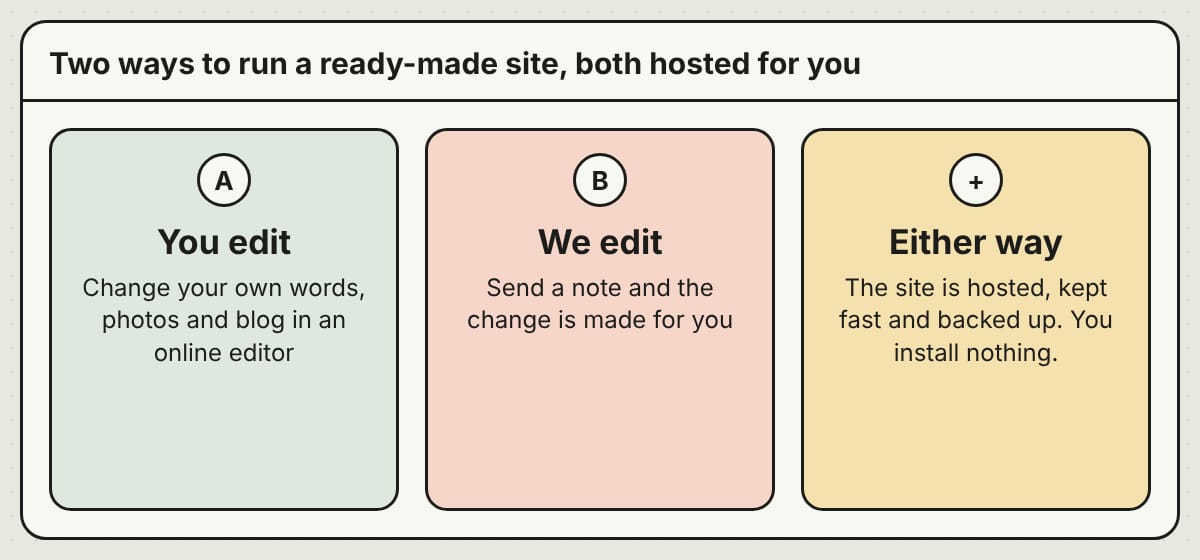
Either way, "hosted for you" should mean exactly that: the site is kept online, fast and backed up for you, and you install nothing.
The cost, added up
Ready-made designs are usually priced as a one-time amount for the design, plus a monthly amount for hosting. Or as a single monthly amount with everything included. Neither is cheaper by default; it depends on how long you keep the site.
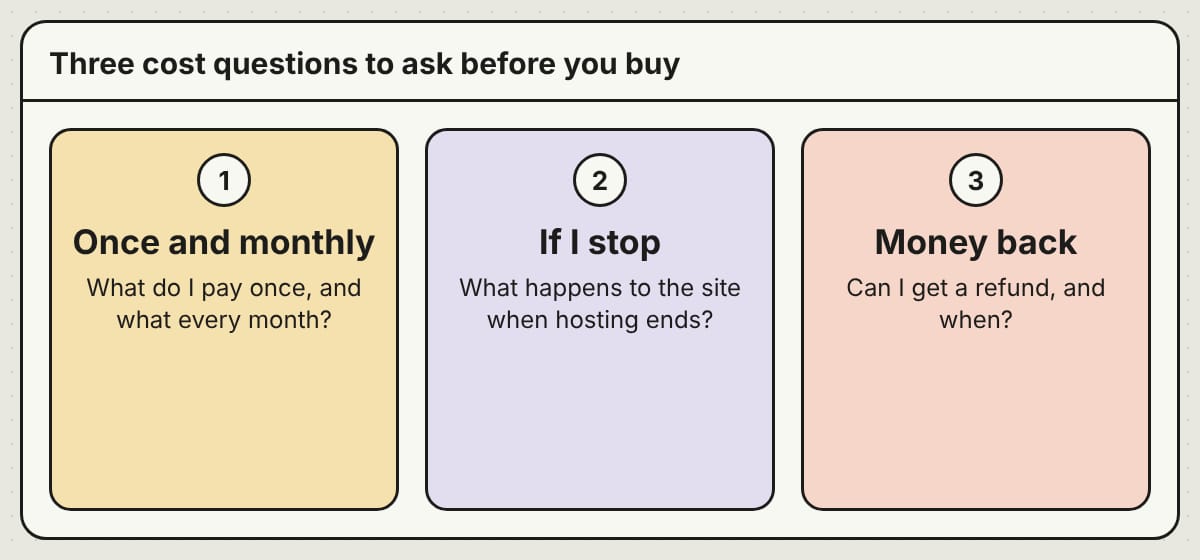
Ask three questions and write the answers down:
- What do I pay once, and what do I pay every month?
- What happens to the site if I stop paying for hosting?
- Can I get my money back, and when?
On Studio, for example, the design license runs with the hosting, so the website goes offline when hosting ends, while your domain name, words and photos stay yours. The one-time design price is not refundable, and you build and look over your site before you pay, so you can see what you are buying. Current prices are on the Studio pricing page.
When a custom design is the better door
A ready-made design is not for everyone. A custom design makes more sense if your brand already has a strong, particular look that no existing design comes close to, if you need a structure that is unusual (for example a booking system with deposits), or if you are building a studio brand with several photographers and want the site to say so.
Custom costs more and takes longer. It is the right door when the extra work buys something a ready-made design cannot give you. If you are not sure, start by looking at what is ready-made. If nothing feels like you, that is a good answer too, and it tells you what to ask a designer for.
What we do
PageTend builds and looks after websites for small businesses, and Studio is our sister offer for wedding photographers who want a ready-made design. We are launching with twelve designs, from quiet and editorial to romantic, bold and cinematic, and more are on the way. Each has a live demo you can open before you decide. You can start free, with no card, and build your site in the editor before you pay.
If you would like to see how a wedding photographer's portfolio can be laid out, our image gallery page shows a filterable portfolio with a full-screen viewer. For a custom design, write to us through the contact page on Studio, and we will talk about it.
Questions we hear
Do I need technical skills? No. You change your words and photos in an online editor, and there is a step-by-step guide. If you would rather not, there is a fully managed option.
Can I use my own domain name? Yes. The editor walks you through connecting one. We do not sell domains.
Can I switch to another design later? If another design is still open in your city, you can move to it. Write to us and we will explain how.
Will a new site fill my calendar? Nobody can promise that. A clear, fast, good-looking site removes things that put couples off. Referrals, reviews and how quickly you reply matter as much.
Rather not do any of this yourself?
We build your website, keep it current and look after your Google listing. You email us; we make the change.
More posts
 One domain, a website and your email: how they fit togetherYour website and email can use the same domain and still live with different companies. Here is how the pieces fit, what to write down first and what to ask before you buy.
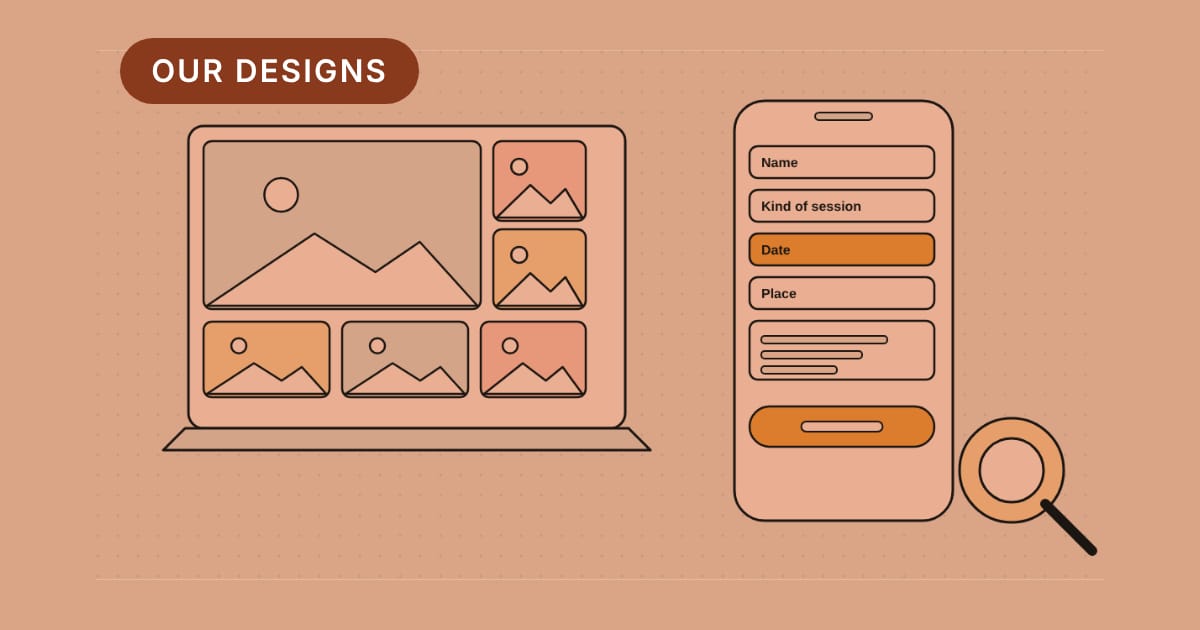 What a photographer's website should show firstA visitor decides in seconds whether your pictures are what they are looking for. Here is what to show first, how many pictures to show, and what the enquiry form should ask.
 Get your Google Business Profile verified, and what to do the week afterUntil Google confirms you run the business, your listing is only half yours. Here is how verification works, how long it takes, what to avoid while you wait, and what to do the week after.