
Features · Events
Your events, on your site and on their phones.
Send us the details and each event gets a card on your calendar, a page of its own, and a button that puts it on your visitors' phones. Change a time or cancel, and their calendars follow.
Upcoming events
A made-up market's calendar. Nobody built these cards by hand: each is an event we added from an email. Narrow the list with the filters, then open any card to see its own page.
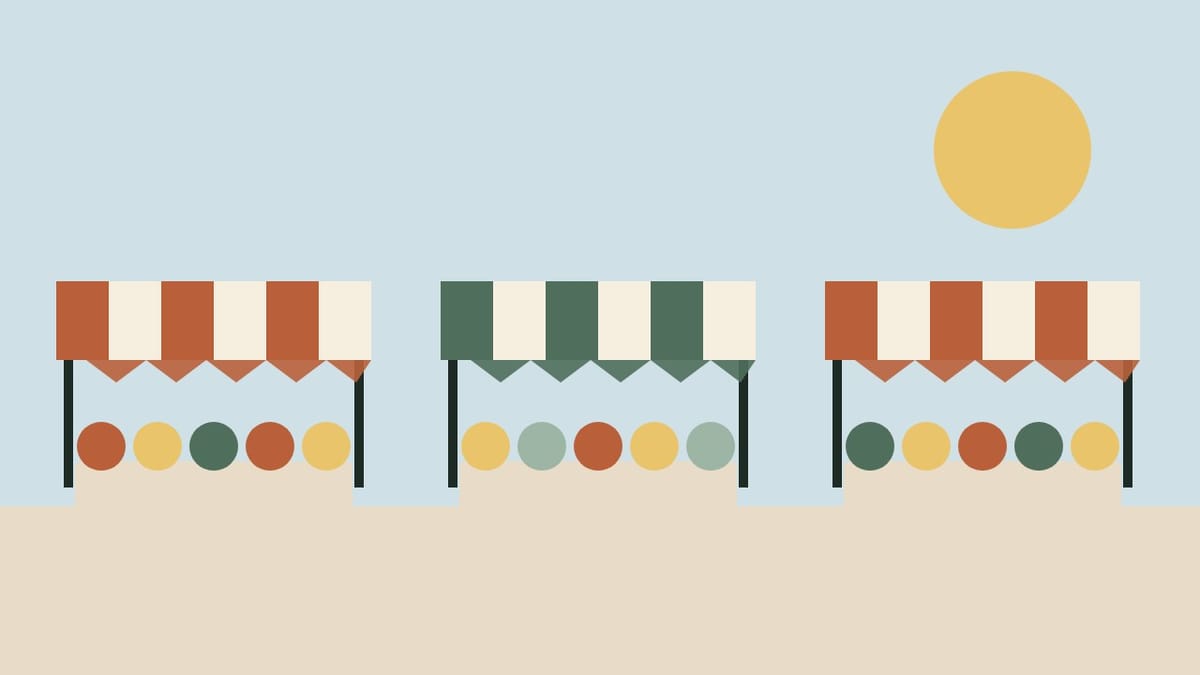 Saturday MarketFresh bread, vegetables, cut flowers and live music, rain or shine. Which stalls take cards
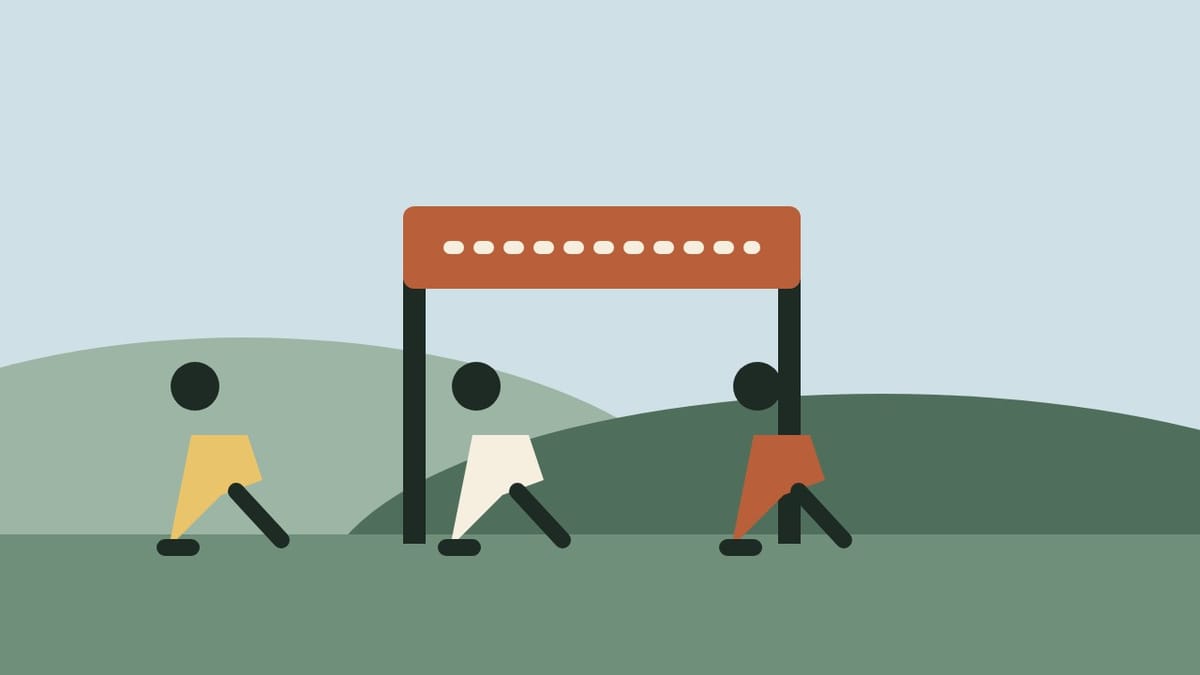 Harbor Fun Run 5KA flat, friendly 5K through Uptown, with coffee and pastries at the finish. RegisterHosted byHarbor Runners
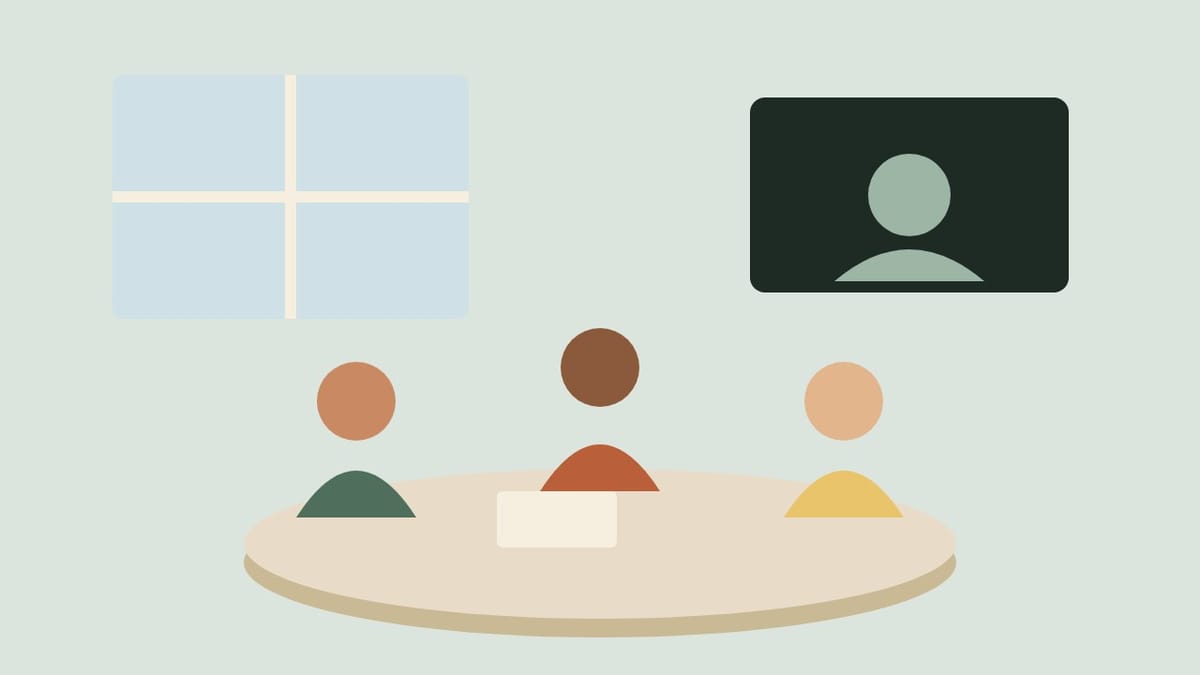 Neighborhood meetingThe quarterly update on street repairs and your questions. Come in person or join by video.
 Story hour for little onesPicture books and songs for ages 2 to 5. No sign-up needed.
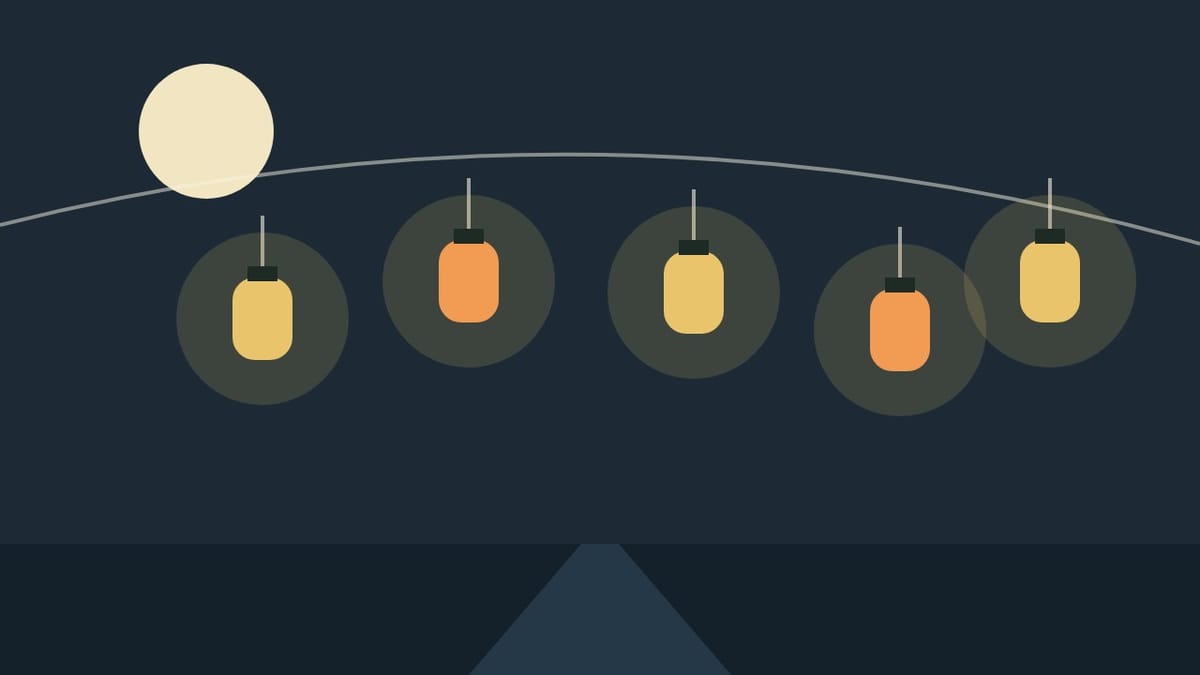 CancelledWinter lantern walkCancelled for the forecast. We will post a new date here and on your calendar.
 Harbor Lane block partyLunch on the lane for the whole neighborhood. RSVP so we know how many tables to set out.
- Festival weekendTwo days of food, games and a parade down the lane, with face painting and kids' crafts at the park.
No events match these choices.
Subscribe Add to Google Calendar
Past events (0)
2026 (0)
- Late summer concertMill Street park
What your visitors get
Everything about an event, in one place.
-
A page for every event
A picture, the date and time, each place with a map link, what to bring, and a button to add it to their calendar. Easy to share by text.
-
The right event, fast
Visitors narrow the list by area, kind of event or who is hosting. The filter lives in the address, so a link can open a filtered calendar.
-
On their phone
One tap subscribes. New events and cancellations arrive in their own calendar app, under your name, not ours.
-
Repeats and long weekends
A weekly market is entered once. A two-day festival is one event with both places on it. Dates that have passed fold away on their own.
-
Clubs and partners
An event run by a club shows who is hosting, with a link to their site. Visitors can follow just that host's calendar.
-
Honest about changes
A cancelled event stays on the list, marked Cancelled, until its day has passed. Nobody turns up to an empty lot.
How we set it up
You send it. We put it up.
Send us the details
Title, date and time, where it is, a line or two about it, and a photo if you have one. An email or a text is enough.
We add it
It is on your calendar as soon as we have checked it, with its own page and a place in the phone feed. No site republish, no waiting for a monthly update.
Change it any time
Moved the time? Added a second place? Cancelled for weather? Tell us once and the card, the page and subscribers' calendars all follow.
What to send us, and how fast it shows
For each event: a title, the date (or the first and last day), the hours as you would say them, the place with its address, a short description and any links you want people to have, such as tickets or a sign-up. A picture helps a lot, and we never take one from someone else's page.
A new event is on your site as soon as we add it. Phones that subscribe pick it up within hours rather than instantly: Apple Calendar refreshes about hourly, and Google Calendar about twice a day. Neither can be hurried, so for an event this week, tell people to look at the page.
If you already keep a Google Calendar and want to keep using it, that works too: see Google calendar sync.
Want this on your site?
Send us your next event.
Tell us what is coming up, and we will show you how it looks on your own site before you decide anything.